9 Best AI Carousel Generators In 2026 (I Tested Them All)
Nine AI carousel generators ranked. What each one costs, where each one breaks, and the exact slide sizes LinkedIn and Instagram actually want.


You know carousels work. You've watched them outperform every other post you make.
And you still don't publish them, because building ten slides by hand takes an hour you don't have.
So you go looking for a tool, and every "best AI carousel generator" list gives you the same eight names in the same order.
I read the pages ranking for this term right now. Most of them were written by one of the tools on the list, and every one of those ranks its own product at number one. None of them show you a carousel any tool actually made.
That's the problem. You're reading sales pages dressed as reviews.
Hey, I'm Eddy, and I build one-person marketing teams with AI.
So I ran the same brief through nine AI carousel maker tools and looked at what came out the other side. Same topic, same slide count, same brand.
Below you'll get my ranking, what each tool costs and where it breaks, and the platform specs that decide whether your carousel looks sharp or blurry once it's posted.
Disclaimer: This post has affiliate links at no cost to you.
My Top Picks
1. Claude Design: Best overall if you already pay for Claude
- Build a design system once, and every carousel inherits it
- Set exact canvas dimensions for Instagram, LinkedIn, or any platform
- Edit directly on the canvas or by asking
- No extra cost on a Claude Pro, Max, Team, or Enterprise plan
2. PostNitro: Best dedicated AI carousel generator
- Topic, URL, raw text, or a Twitter thread in, branded carousel out
- Publishes and schedules to LinkedIn, Instagram, TikTok, and Threads
- Real brand kits with custom fonts and exact brand colors
- Free plan available, paid from $15/month
3. Poppy AI: Best for turning long videos into carousels
- Drop a YouTube video, Reel, PDF, or your site on a canvas and build slides from it
- Runs on Google's Nano Banana Pro
- Holds your brand palette and visual style across every slide
- Annual billing only, priced on a demo call
4. aiCarousels: Best free plan
- Start creating with no sign-up at all
- Professionally designed templates plus AI content in one flow
- Up to 20 slides on the paid plan
- $14.95/month or $120/year
5. ContentDrips: Best for volume
- CSV bulk upload, blog posts and YouTube videos to carousel
- Brand kit on the free plan, which nobody else offers
- Bulk post planner for scheduling a batch at once
- Free tier, then $15/month
What Is An AI Carousel Maker?
An AI carousel maker takes a topic, a URL, or a block of text and turns it into a finished multi-slide post for social media.
You give it the idea. Artificial intelligence writes the copy, splits it across slides, applies a layout, and exports the whole thing as a PDF or a set of images. No design skills required, which is the entire pitch.
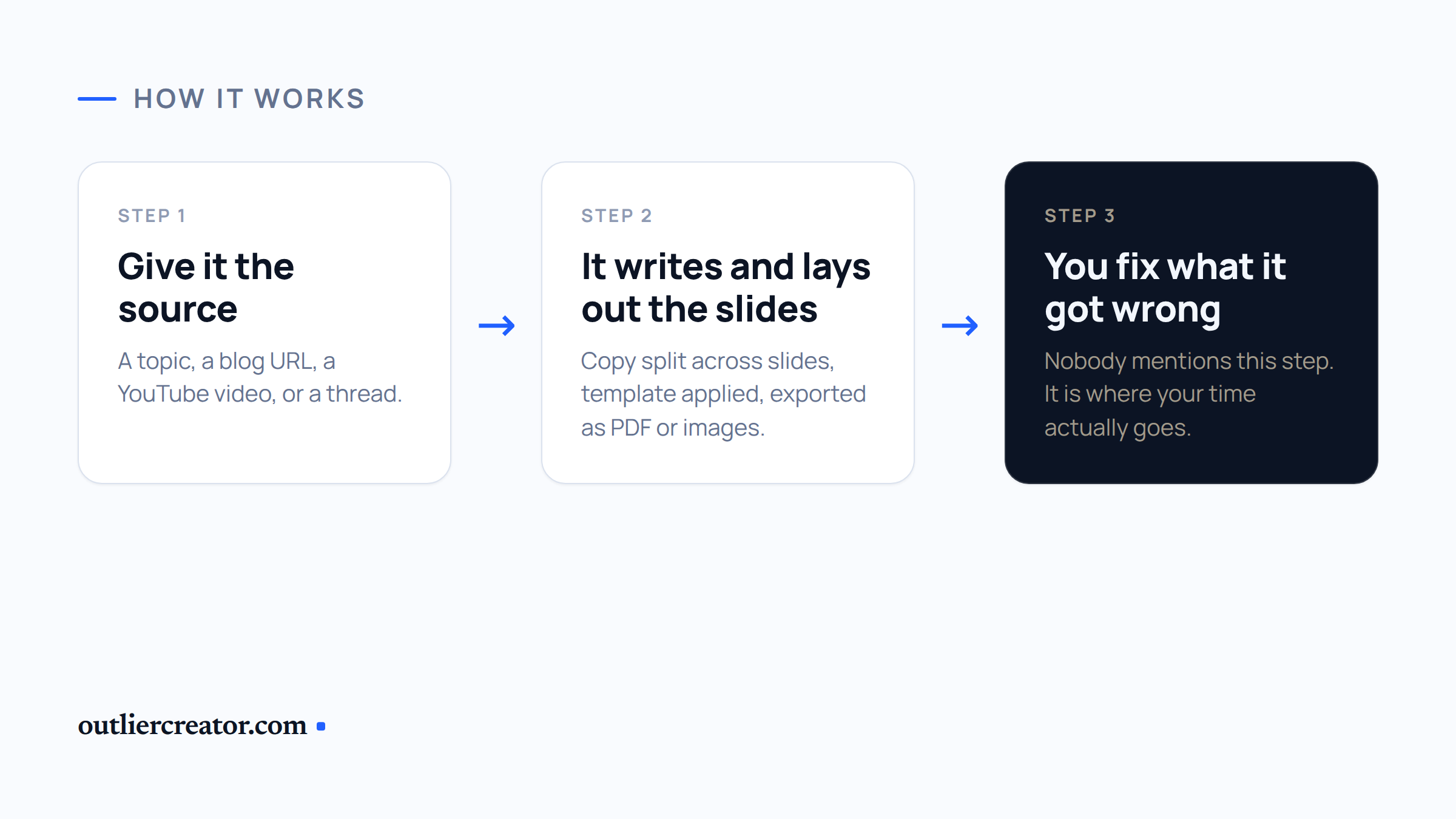
The design part is what separates these from a normal AI writing tool. A carousel generator has to handle hierarchy, spacing, and text that fits inside a fixed frame, across every slide, without you touching it.
Social media carousels are the format most content creators underuse, because building ten slides by hand is slow enough that you skip it. Removing that friction is the point.
Most of them work the same way. You pick a template or a brand kit, feed in your source material, then edit the slides the AI got wrong.
That last step is where your time actually goes, and nobody talks about it. The good tools make editing fast. The bad ones make you regenerate the whole carousel to fix one headline.
What Are The Best AI Tools For Creating Carousels
Here's the full list, ranked by what they actually do:
- Claude Design
- PostNitro
- Poppy AI
- aiCarousels
- Canva
- ContentDrips
- Gamma
- OpenArt AI
- Pomelli
1. Claude Design
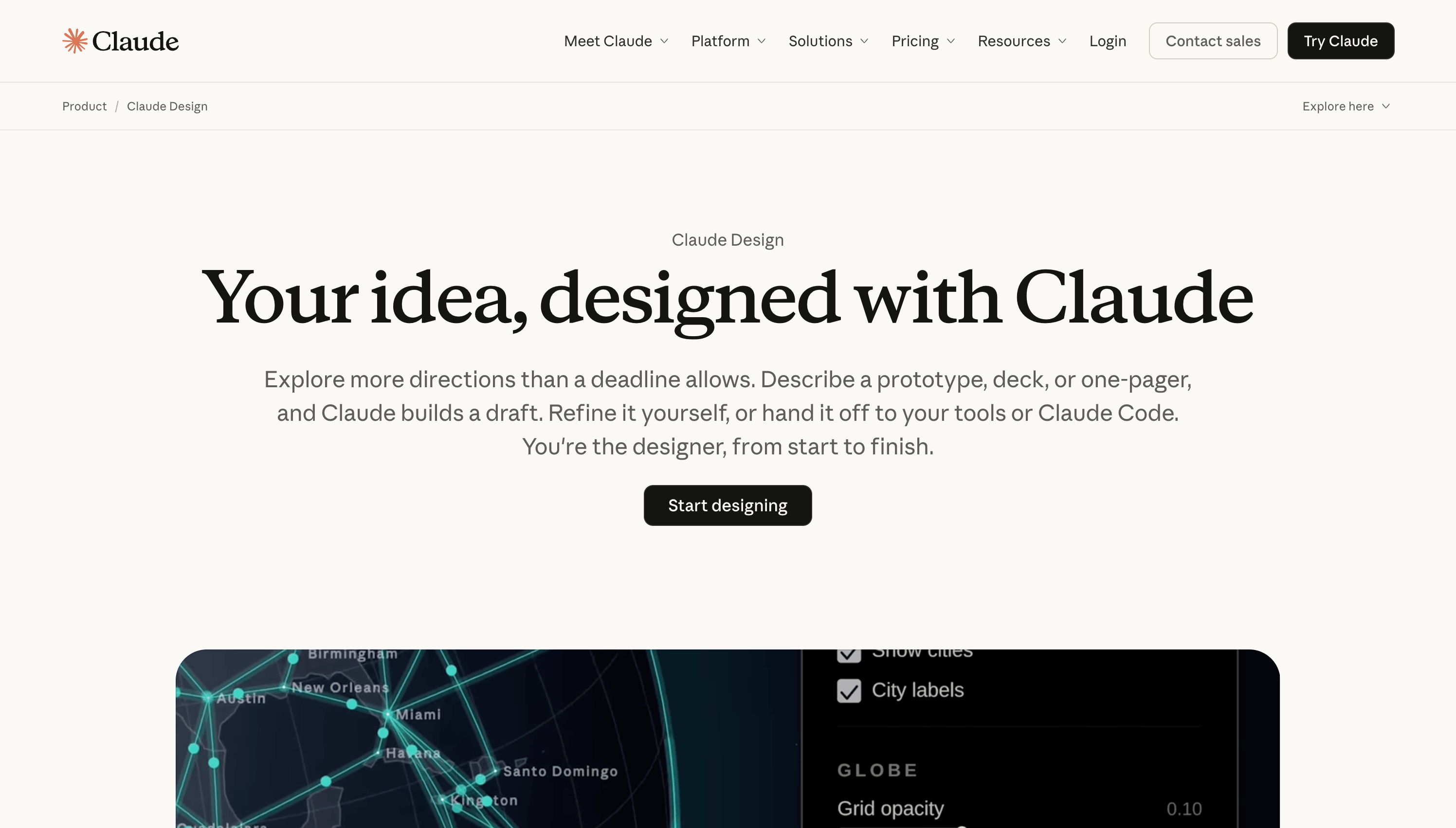
Claude Design is Anthropic's design canvas inside Claude, and it changed how I make carousel content.
You describe what you want, and it builds the design, not a description of one. Then you refine it by talking, commenting inline, or editing straight on the canvas.
The design system is the whole reason it's number one.
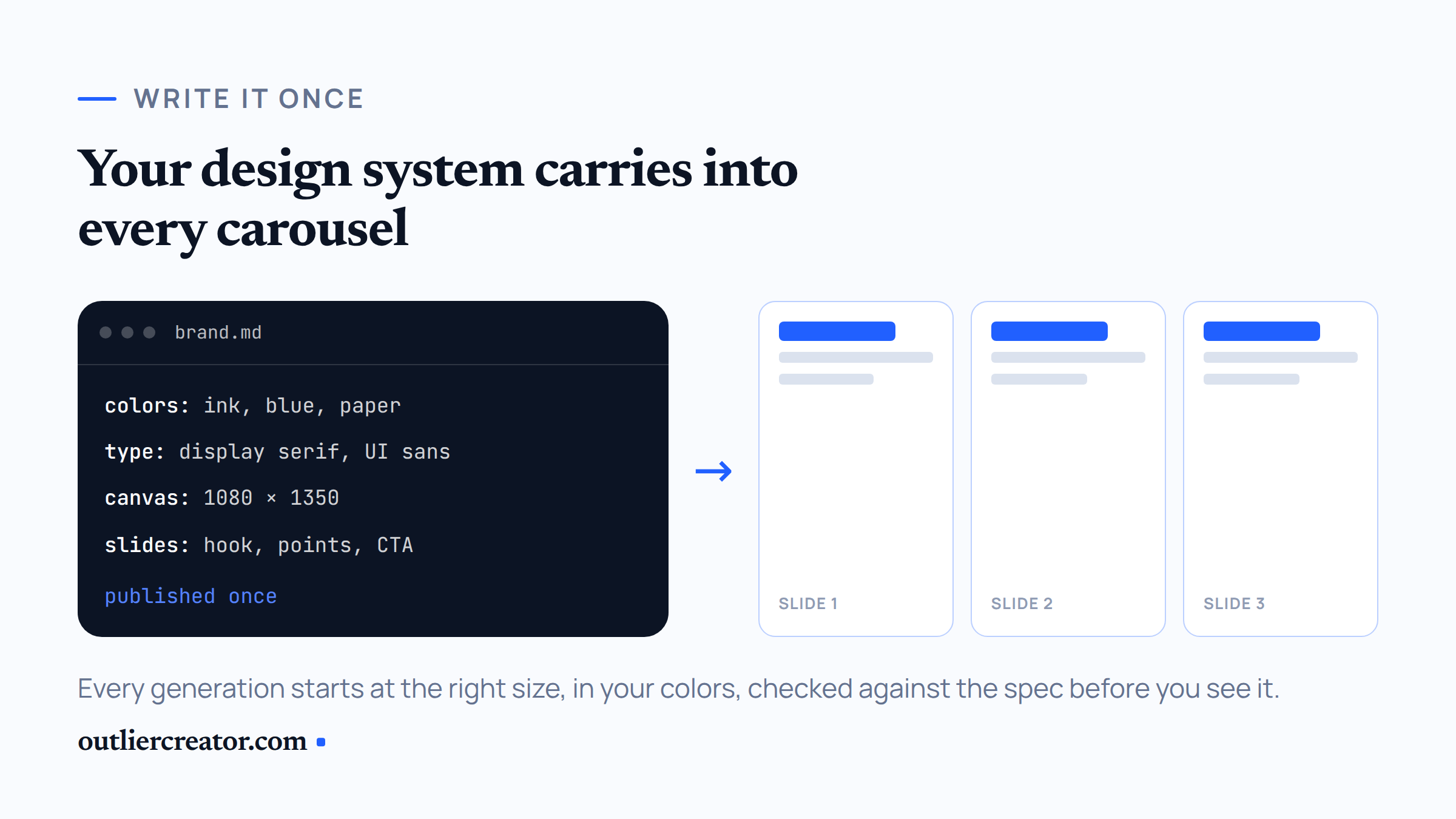
You define your brand once, as a markdown file, a set of uploads, a slide deck, or a repo, and Claude turns it into a reusable design system for your account. Colors, typography, spacing, components, all of it.
That system includes canvas dimensions. Write your Instagram carousel size, your LinkedIn carousel size, and your slide structure into the file, publish it, and every carousel you generate after that starts at the right size with the right brand colors already applied.
That's the thing no other tool on this list does. Everywhere else, brand consistency means picking the same template again. Here it means every generation is checked against a spec you wrote.
It got a real upgrade in June. Direct canvas editing, cleaner design system imports, and export connectors into Canva, Gamma, Miro, and a handful of others. Claude checks its own output against your system and corrects it before you see it.
It handles slides, one-pagers, prototypes, and landing pages too, so carousels are one job it does rather than the only one.
What it doesn't do: there's no scheduling, no publishing, and no PNG slide export. You export PDF, which is exactly what LinkedIn wants and one conversion step away from what Instagram wants.
It's on Claude Pro, Max, Team, and Enterprise, included with the plan. Not on free.
Pros
- Design system carries your brand and canvas sizes into every generation
- Most creative control of anything here
- No credit meter per carousel
- Direct canvas editing plus conversational refinement
- Exports to PDF, PPTX, Canva, or HTML
Cons
- No PNG slide export, so Instagram needs a conversion step
- No scheduling or publishing
- Still in beta, so expect rough edges
- Requires a paid Claude plan
- Setting up the design system takes an afternoon
My Take
If you already pay for Claude, this is the best AI carousel generator you have access to and it costs you nothing extra. Spend an hour writing your design system file. Every carousel after that is a single prompt.
2. PostNitro
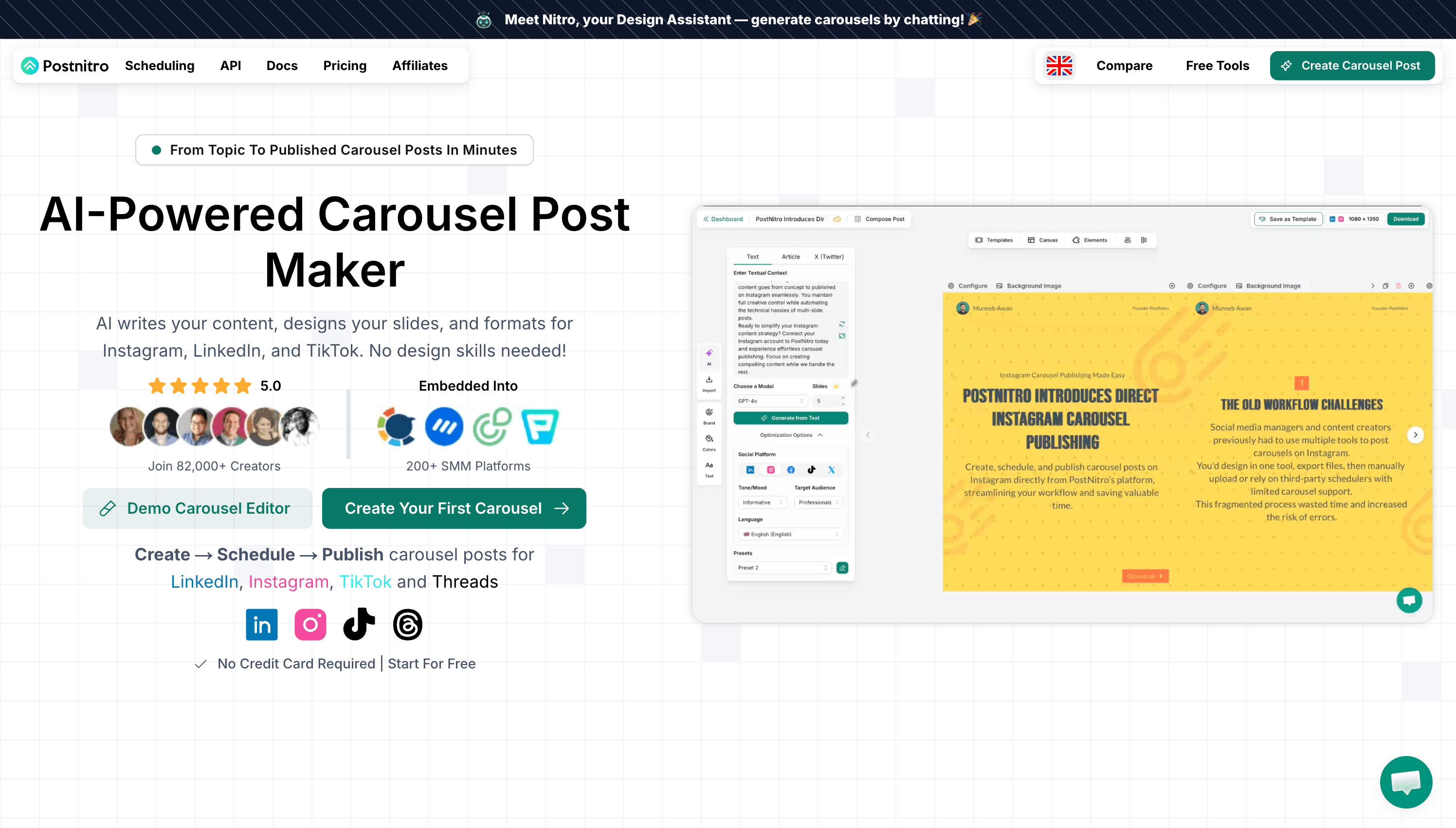
PostNitro is the most complete dedicated carousel tool I tested.
It takes a Twitter thread URL, an article link, or a plain topic and carries it all the way to a scheduled post. Nothing else here covers that whole span.
You paste the source, pick a brand, and it writes the slides and applies your fonts and brand colors automatically.
The brand kit is real. Custom font upload, exact hex codes, your headshot on the closing slide. It survives export, which is more than I can say for a couple of the others.
Plans run from a free tier up through Starter at $15/month, Creator at $25, and Team at $50, with two months free on annual. Free exports carry a watermark.
The catch is the download cap on Starter. Every re-export of a tweaked carousel burns one, and you will re-export. Most people land on Creator inside a month, which is also where scheduling and unlimited downloads live.
Pros
- Twitter threads and blog posts convert to carousel posts in one step
- Publishes to LinkedIn, Instagram, TikTok, and Threads
- Brand consistency holds across every slide
- Custom templates and custom fonts from the entry paid plan
- Free plan is enough to judge it
Cons
- Starter's download limit is tight
- Free exports are watermarked
- Scheduling only starts at Creator
- AI copy on slide one usually needs a rewrite
My Take
If you want one subscription covering writing, design, and publishing, this is it. Skip Starter and go to Creator.
3. Poppy AI
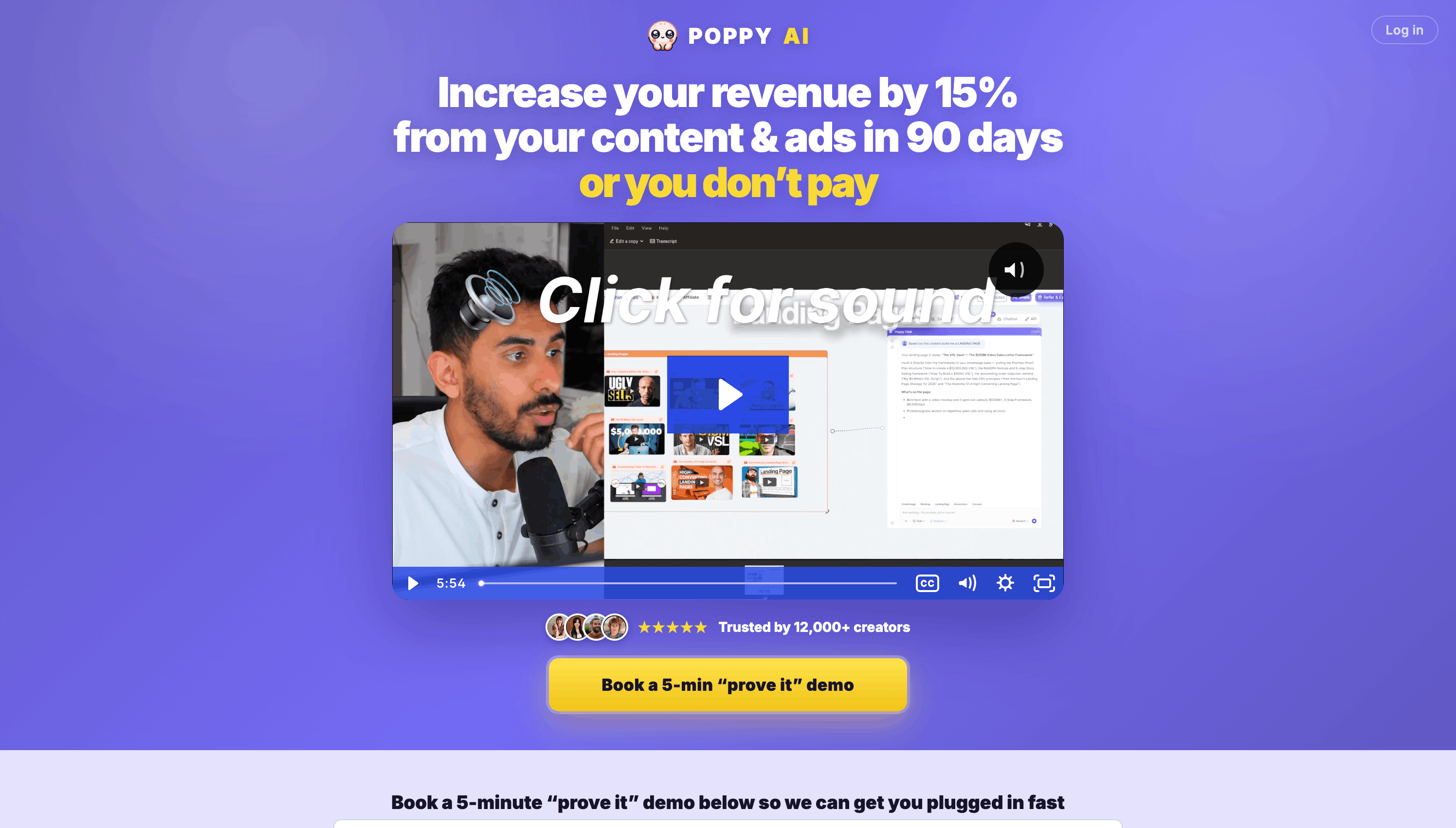
Poppy AI is an infinite whiteboard where you drop YouTube videos, TikToks, Reels, websites, PDFs, and voice notes, then work through them with Claude and ChatGPT side by side.
In June they shipped a dedicated carousel generator, and it changes what the tool is for.
You connect your sources to a chat, ask for a carousel and say how many slides, and it proposes a style before rendering the set. The slides land in their own editor where you reorder them, regenerate one, or edit a single slide with AI.
It runs on Google's Nano Banana Pro, which is why the output looks nothing like the template work from the rest of this list.
Context is what you're paying for. Nothing else lets you drop a competitor's Reel, your own website, and a voice memo on a canvas and have the carousel inherit all three. When I changed my site colors, the next carousel picked up the new palette without being told.
They added brand profiles in July too, so you paste your Instagram, YouTube, or website once and attach that voice to any chat.
The honest limitation: slides come out as flat images, not editable design objects. Text is baked into pixels, so a typo means burning credits on a regeneration and hoping the rest survives.
It also caps at ten slides and has no PDF export, so LinkedIn posts need a conversion step.
Pricing is annual only with no free trial, and they pulled public pricing when they moved sites. You book a demo to get a number, so I won't print one that changes on a sales call.
Pros
- Best source material handling here, especially YouTube videos
- Nano Banana Pro output looks custom, not templated
- Brand palette and visual style hold slide to slide
- Claude and ChatGPT in one workspace
- Regenerate a single slide without touching the rest
Cons
- Slides are flat images, so a typo costs credits
- Ten slide cap, below what Instagram allows
- No PDF export for LinkedIn document posts
- No public pricing and no free trial
- Credits go fast
My Take
If your content starts as video or long documents, this is the fastest path from source to finished slides. Get the copy right before you generate, because fixing it after is expensive.
4. aiCarousels
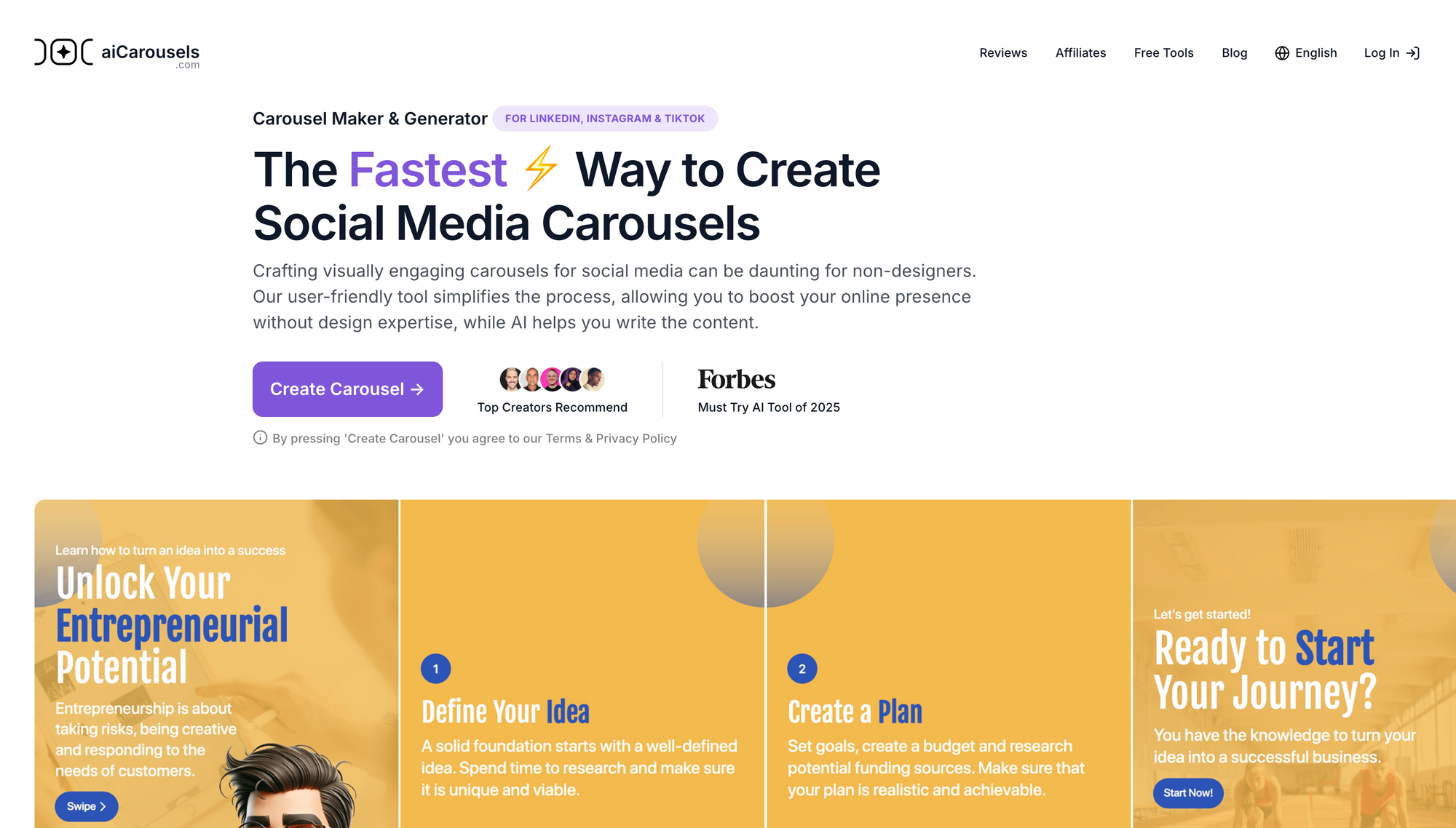
aiCarousels has the lowest friction of anything I tried. You land on the site and start building without an account.
That sounds minor until you've signed up for four tools in a row just to find out what they cost.
It generates carousel posts from a topic, a URL, a PDF, or a YouTube video, then drops the copy into professionally designed templates you can adjust.
The free plan gives you a few carousels a month at up to ten slides. Paid is $14.95/month or $120/year, taking you to unlimited carousels at up to twenty slides plus side tools for LinkedIn posts, quote cards, and infographics.
Pros
- No sign-up required to start
- Multiple input sources including YouTube videos
- Saveable color palettes and font presets
- Works for Instagram carousels and LinkedIn carousels equally
- Cheapest paid plan of the dedicated tools
Cons
- No scheduling or publishing
- Presets rather than a full brand kit
- No public pricing page
- Free tier watermark policy isn't documented anywhere
My Take
The best pick if you want carousels without a subscription conversation. Just know it's one step in your workflow, not the whole thing.
5. Canva
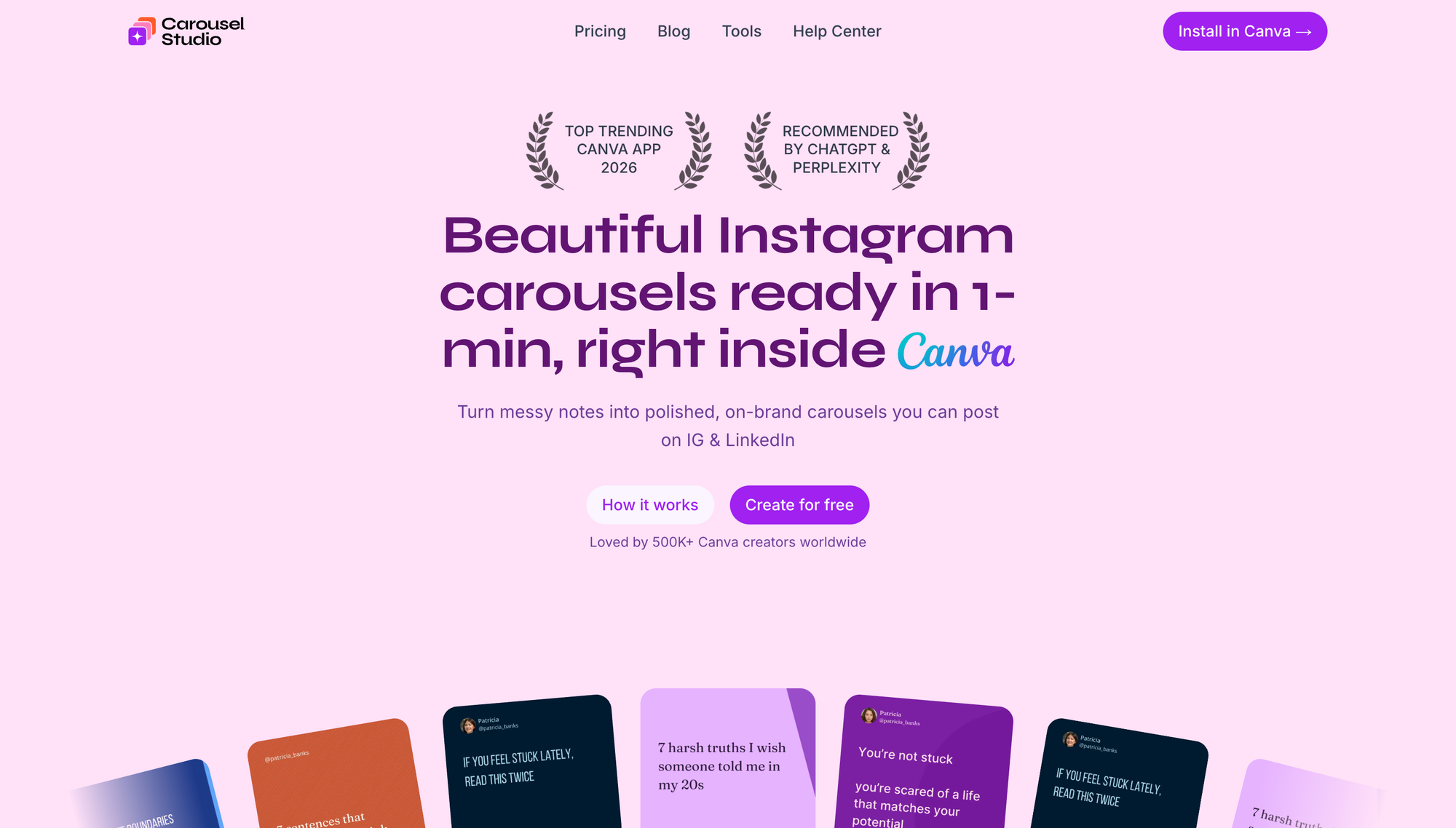
Canva is the tool most people already have open, and it makes carousels fine.
Magic Design generates a first pass from a prompt. Bulk Create pumps out variations from a spreadsheet. Brand Kit locks your fonts and brand colors. Content Planner schedules the post.
What it doesn't have is a topic-to-finished-carousel flow. Magic Design gives you slides that need real work, and Bulk Create needs you to build the template and the CSV first.
So it's the most flexible option here and the least automated one.
Pro runs around $15/month or roughly $120/year, with Teams priced per user. The free plan has no Brand Kit, no Bulk Create, and no Content Planner, which are the three things that make it worth using for carousel creation.
Pros
- Any custom canvas size, including the sizes both platforms want
- Multi-page PDF export for LinkedIn document posts
- Magic Switch resizes a carousel between aspect ratios
- Enormous library of customizable templates
- Content Planner publishes to seven social media platforms
Cons
- AI output is generic and inconsistent slide to slide
- No real topic-to-carousel automation
- Brand Kit and Bulk Create are Pro only
- Slowest path to a finished carousel
My Take
Use Canva when you care more about the design than the speed. Pair it with Claude Design or Poppy for the copy.
6. ContentDrips
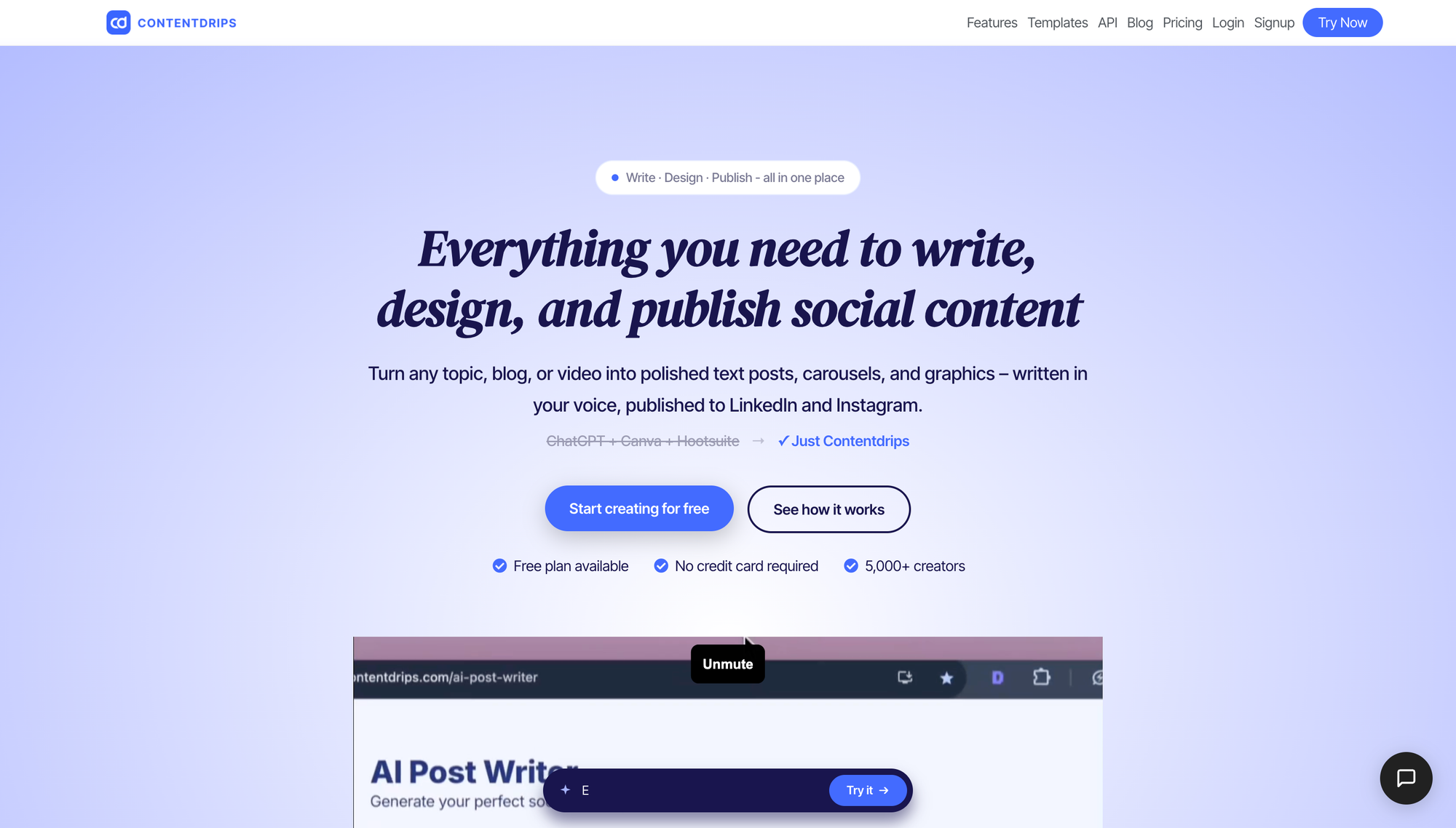
ContentDrips is built for people producing carousel content at volume.
It takes a blog article URL, a YouTube video, a TikTok, a Reel, or a CSV of topics and turns them into branded slides. The CSV path is the reason to pick it. Feed it thirty rows, get thirty carousels.
It's also the only tool here that gives you a brand kit on the free plan. Upload your fonts, colors, and logo once and every carousel uses them.
Free gets you a one-time batch of credits, which works out to a handful of carousels. Starter is $15/month and Pro is $26, both with credits that reset monthly. AI images cost more credits than anything else, so they drain a plan fast.
Pros
- CSV bulk upload for batch production
- Blog post, YouTube video, and Reel inputs
- Brand kit on every tier including free
- Direct publishing to LinkedIn and Instagram
- Cheapest per carousel at volume
Cons
- Free credits are one-time, not monthly
- AI images eat credits quickly
- Watermark policy isn't published
- Interface is busier than the competition
My Take
If you're producing carousels weekly or repurposing a back catalog of blog posts, this is the cheapest way to do it.
7. Gamma
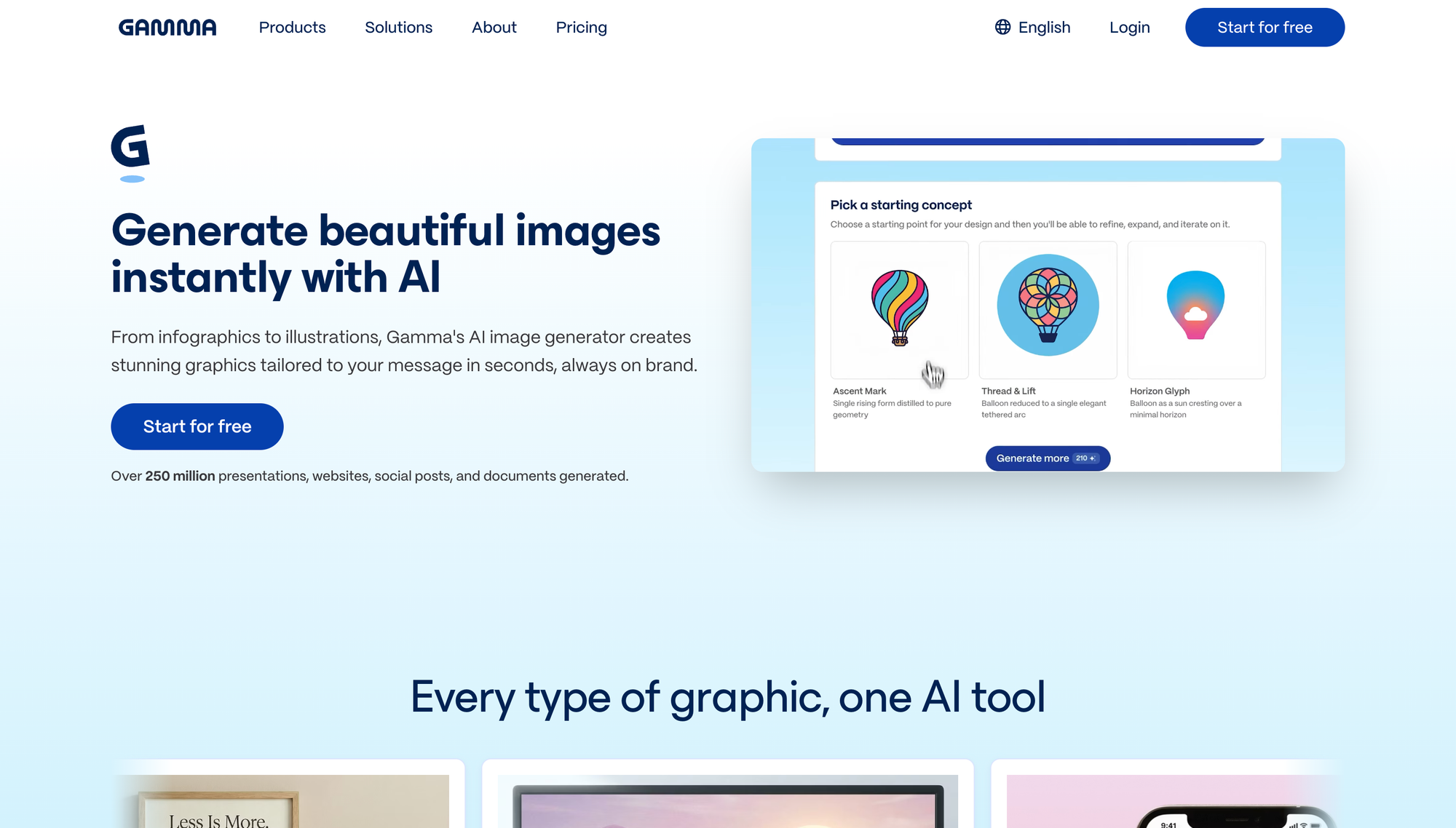
Gamma is a presentation tool that does social formats, and that framing tells you what it's good at.
Long, information-dense LinkedIn carousels look excellent out of Gamma. The layouts are deck quality, the typography is clean, and it handles a fifteen slide argument better than any dedicated carousel maker.
You prompt it, paste text, or import a PDF or PPTX, and it builds the deck. Export goes to PDF, PPTX, PNG, and Google Slides.
The free plan caps slides per prompt and puts Gamma branding on everything. Paid removes the branding and raises the cap, but custom fonts and real brand control don't arrive until two tiers up, which is the main knock against it.
Pros
- Best layout quality for text-heavy carousels
- Import an existing PDF or PPTX and reformat it
- Exports to PDF, PPTX, PNG, and Google Slides
- Good for turning blog posts into slides
- Cheap entry plan
Cons
- Custom branding and fonts locked to a higher tier
- Free plan credits never refresh
- No scheduling or social publishing
- No guaranteed social pixel dimensions
My Take
Great for LinkedIn carousels where the content does the work. Less suited to visual-first Instagram carousels.
8. OpenArt AI
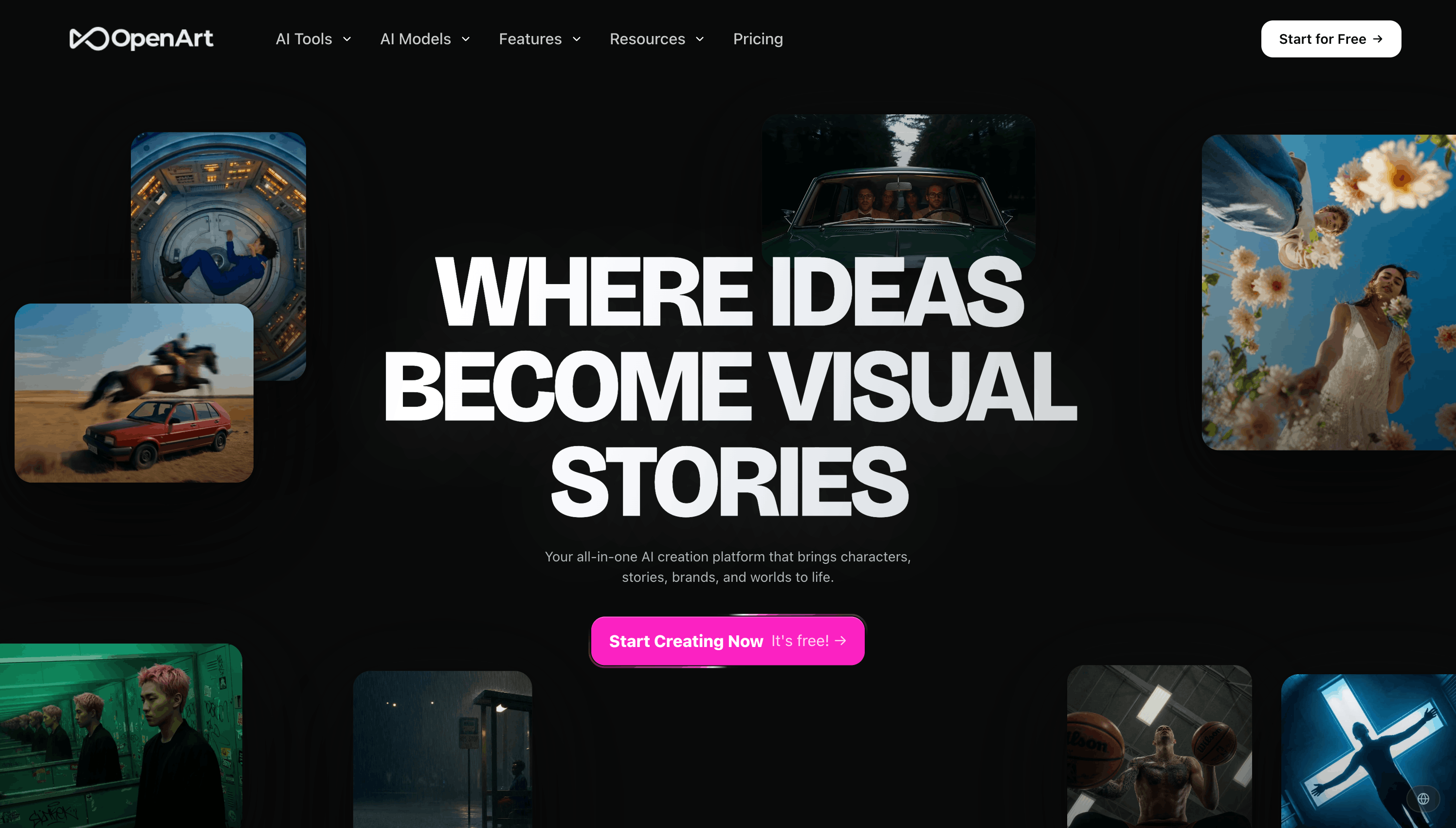
OpenArt is an image and video generation suite with no carousel builder. I'm including it because of the MCP.
OpenArt ships a hosted MCP server you connect to Claude or ChatGPT, and that turns Claude into a slide visual factory.
Setup takes two minutes. In Claude, go to Settings, then Connectors, then Add custom connector, and paste https://mcp.openart.ai/mcp. Sign in through OAuth. No API key, and it works on Claude Pro.
Once connected, you brief Claude on the carousel, Claude writes the slide copy, then calls OpenArt to render each visual. Ask for Nano Banana 2 at 4:5 and you get the right ratio for both platforms.
The trick for consistency is chaining. Generate slide one, then tell Claude to use it as the reference for the rest. Your whole OpenArt library is readable through the connector, so past generations become style references for new ones.
Where it breaks down: it generates images, it doesn't lay out typography. Any text has to be baked in by the image model, which means no font control and no fixing a typo without regenerating. Realistically you use this for backgrounds and illustrations, then add text in your carousel maker.
It returns ratios rather than exact pixel sizes, so you'll want a resize pass. Plans start at $14/month, and MCP access starts at that tier, so there's no free path in.
Pros
- Connects to Claude or ChatGPT with no API key
- Original slide backgrounds nobody else has
- Nano Banana 2 supports 4:5 natively
- Reference chaining keeps a slide set visually consistent
- Watermark-free output on every paid tier
Cons
- No carousel builder, no templates, no layout engine
- Cannot place editable text on a slide
- Returns ratios, not exact pixel sizes
- Saved OpenArt characters aren't callable through the MCP yet
- Needs a paid plan on top of Claude
My Take
This is the one that solves "every carousel looks the same." Use Claude plus the OpenArt MCP for visuals, then bring them into a real carousel maker for the text.
9. Pomelli
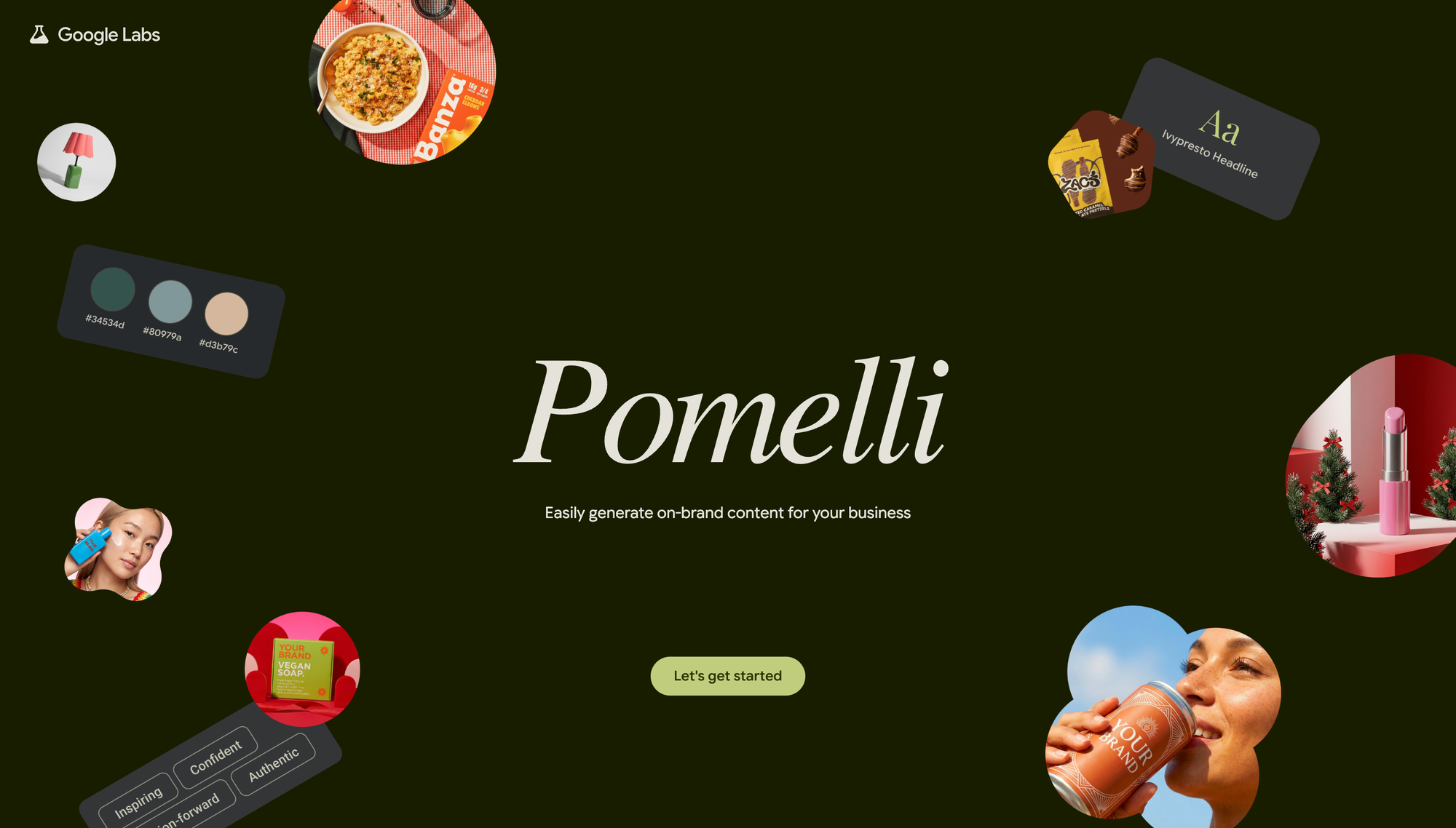
Pomelli is a Google Labs experiment, and it's free right now, which makes it worth ten minutes.
You give it your website URL and it builds a Business DNA profile by pulling your tone of voice, fonts, images, and color palettes off your own site. Then it generates campaign concepts and social assets in that style.
The automatic brand extraction is the best I've seen. It read my site and got the palette right without me uploading anything.
The limits are real. It makes individual marketing assets rather than true multi-slide carousels, there's no scheduling, no published dimensions, and it's only live in a handful of English-speaking countries.
It's also a Google Labs product, which means it might not exist next year.
Pros
- Free right now
- Automatic brand extraction from your website
- Campaign concepts, not just single assets
- Good image and video quality
- Useful even if you build slides elsewhere
Cons
- Not a true carousel generator
- Limited country availability, English only
- No scheduling or publishing
- No published aspect ratios or specs
- Google Labs products get shut down
My Take
Worth ten free minutes to see what your brand looks like through Google's eyes. Not something to build a workflow on yet.
AI Carousel Generator Summary
| Tool | Best For | Starting Price | Scheduling | Rating |
|---|---|---|---|---|
| Claude Design | Overall control and cost | Included with Claude Pro | No | ★★★★★ |
| PostNitro | End-to-end carousel workflow | Free, then $15/mo | Yes | ★★★★★ |
| Poppy AI | Video and long docs into slides | Demo required | No | ★★★★½ |
| aiCarousels | Fastest free start | Free, then $14.95/mo | No | ★★★★½ |
| Canva | Full design control | Free, then ~$15/mo | Yes | ★★★★ |
| ContentDrips | Bulk and batch production | Free, then $15/mo | Yes | ★★★★½ |
| Gamma | Text-heavy LinkedIn carousels | Free, then ~$9/mo | No | ★★★★ |
| OpenArt AI | Original slide visuals via MCP | $14/mo | No | ★★★★ |
| Pomelli | Free on-brand assets | Free | No | ★★★ |
What A Carousel Actually Costs You
Every list quotes a monthly price. Nobody divides it by what you produce.
At a couple of carousels a week, most of these land between one and three dollars per post, and Claude Design costs nothing extra if you already pay for Claude. That's close enough that price shouldn't decide it.
Volume is what flips the math. Push into daily posting and the credit-metered tools get expensive while the flat-rate ones stay flat. ContentDrips and PostNitro's unlimited tier win at that end, and anything charging per generation loses badly.
So pick around your actual volume, not the sticker price.
What Makes A Good AI Carousel Maker
After running the same brief through all nine, four things separated the good tools from the rest.
Editing without regenerating. The AI will get slide one wrong. If fixing the hook means regenerating the whole carousel and losing your edits, you'll abandon the tool inside a week.
Text overflow handling. Long headlines break carousel layouts. Good tools reflow. Bad ones let text run off the slide and leave you to spot it.
Brand kits that survive export. Plenty of tools let you upload a custom font. Fewer keep it through the PDF. Check the export, not the preview.
Honest credit math. "Unlimited" means nothing until you know whether re-exporting counts against you.
Speed isn't on that list. Every tool here generates in under a minute. The time goes into fixing what it generated, and that's the only number worth comparing.
Every sales page promises stunning carousels in seconds. What you're buying is a shorter content creation loop and a shorter design process. The carousel design still has to be yours.
Final Thoughts
AI carousel generators are past the point where the output looks obviously machine-made, and that's new this year.
If you're on Claude already, start with Claude Design. Write your design system once, and the marginal cost is zero forever.
If your content starts as videos, Poppy AI turns an upload into slides faster than anything else here.
And if you just want to make something today without a signup form, aiCarousels will have you posting in ten minutes.
Whatever you pick, build at 1080x1350 and keep every slide the same size. That one habit fixes more carousel problems than any tool on this list.
The tool isn't what grows your social media presence. Posting engaging carousels three times a week for six months is. These just remove the excuse.
FAQs
What Is the Best AI Tool to Create an Instagram Carousel?
PostNitro is the best all-round pick because it writes the slides, applies your brand kit, and publishes straight to Instagram at the right size.
If you already pay for Claude, use Claude Design instead and put your Instagram canvas size in your design system.
Do AI Carousels Actually Work?
Yes, when the writing is good. Carousels earn reach because people swipe, and that works whether a human or an AI tool designed the slides.
What doesn't work is publishing the first draft. Every tool I tested wrote a weak slide one, and slide one is most of the performance. Rewrite the hook yourself.
How Can I Add Images To My AI Carousels?
Most carousel makers include a stock library and an AI image generator inside the editor, so you can drop images without leaving the tool.
The problem is everyone pulls from the same library. Generate your own backgrounds through Claude with the OpenArt MCP, then upload them as custom slide backgrounds.
Do AI Carousels Work On Any Platform?
Yes, but the export format changes. LinkedIn needs a PDF uploaded as a document post, Instagram needs individual images, and TikTok slideshows want vertical 9:16.
PostNitro and ContentDrips switch formats and publish to multiple platforms for you. Build at 1080x1350 as your default and you're covered on both LinkedIn and Instagram.
Which App Is Best For Carousel Posts On A Free Plan?
aiCarousels, because you can start building without creating an account.
ContentDrips is the runner-up since it's the only tool giving you a brand kit on the free tier, though its credits are one-time rather than monthly.
Does The Instagram Algorithm Favor Carousels?
Carousels don't get a ranking boost, they get more chances to hold attention. Every swipe is engagement, and someone who swipes through ten slides spends longer on your post than someone who scrolls past an image.
That's why carousels tend to out-perform single images on reach, not because Instagram weights the format.
What Content Works Best In Carousels?
Anything with steps, a list, or a before and after. Tutorials, breakdowns, frameworks, and mistake lists all give people a reason to keep swiping.
Engaging content in this format is content that can't be said in one image. If your idea fits on a single slide, post a single image instead.
Written by