
I Tested The 14 Best AI Tools for YouTube Creators [Updated 2026]
AI tools can change your YouTube workflow. We tested 14 of the best. From Poppy AI's script analysis to Pikzels' viral-scoring thumbnails. Here's what works, what costs, and which ones actually save time.

When starting a YouTube channel, it's important to have the right AI tools to help grow your brand or build the perfect content strategy and maintain consistency.
In this blog post, you're going to learn which are the best AI tools to begin using for your YouTube content.
I checked pricing, quality, and even the companies' support throughout my research.
My Top Picks
As a YouTube creator, I want to give you the best tools upfront so you can make your choice more easily.
- Poppy AI: Best for Research & Scriptwriting
- Subscribr: Best for long-form Scriptwriting
- Pikzels: Best for AI Thumbnail Generation
Are AI Tools Good for YouTube?
Looking into different AI tools for YouTube shows us how useful they can be. They help save time, increase viewer interest, and support creative work.
However, it's worth remembering that AI is just an aid, not a solution that fixes everything.
While these tools can streamline your YouTube workflow, it's important to still review everything to maintain high content quality.
So, use these AI tools wisely to improve the way you create content and make your YouTube channel stand out.
What Are The Best AI Tools For YouTubers?
1. Poppy AI
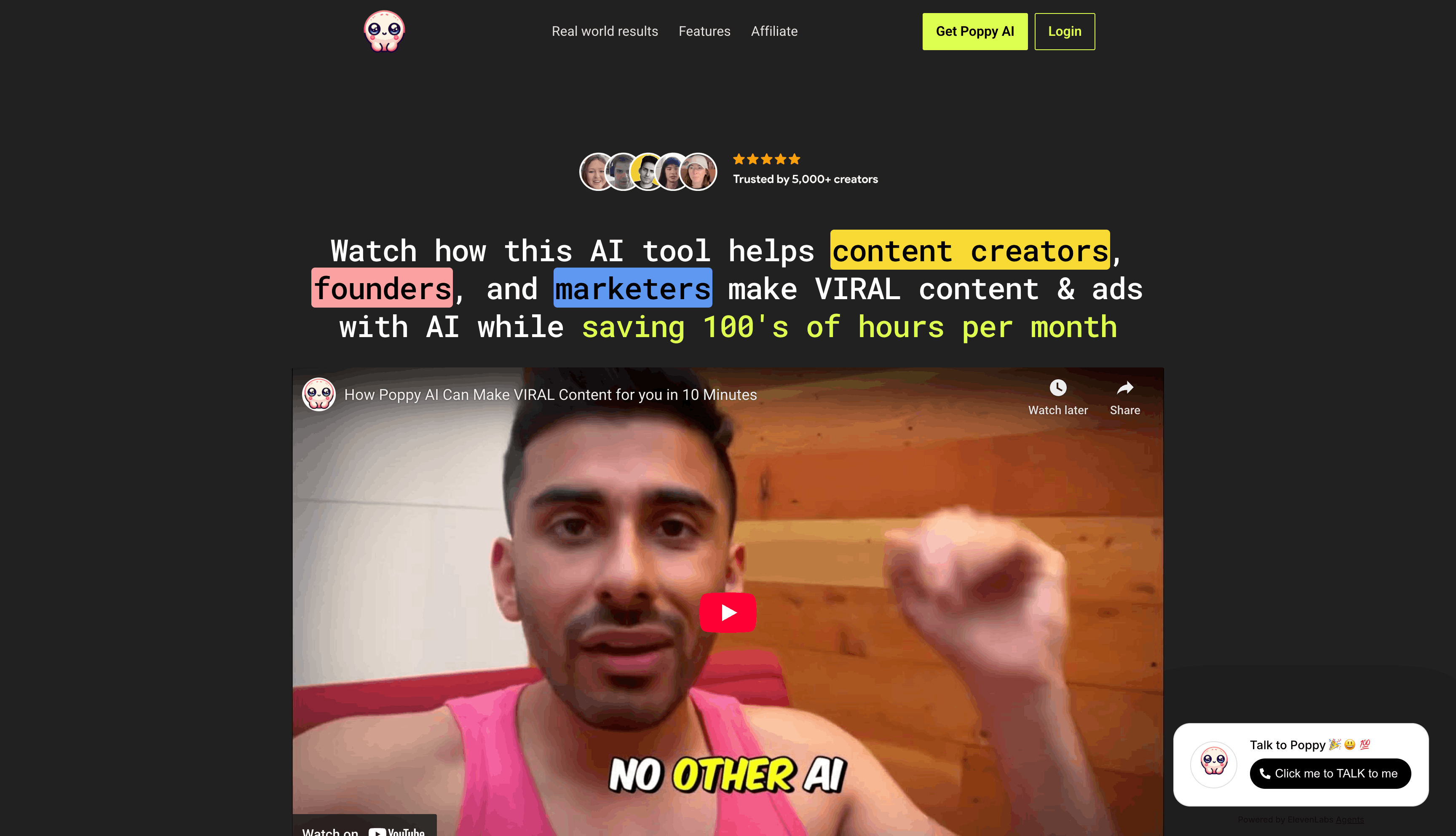
Poppy AI is a visual workspace that changes how you research and write scripts.
It's built specifically for YouTube creators who want to analyze competitors, plan content, and generate scripts that sound authentically like you.
If you drop any YouTube video into your workspace, the AI instantly breaks down its structure, hooks, and key talking points. You can even ask it to create landing pages or infographics based on the video transcript.
What makes Poppy AI unique for YouTubers is its ability to analyze multiple videos simultaneously while maintaining a visual connection between different content ideas.
Think of it as your YouTube research assistant on steroids.
For content creators struggling with video planning and scriptwriting, this means no more watching hours of competitors' videos or struggling with generic AI-generated scripts.
They give proven templates right from the start.
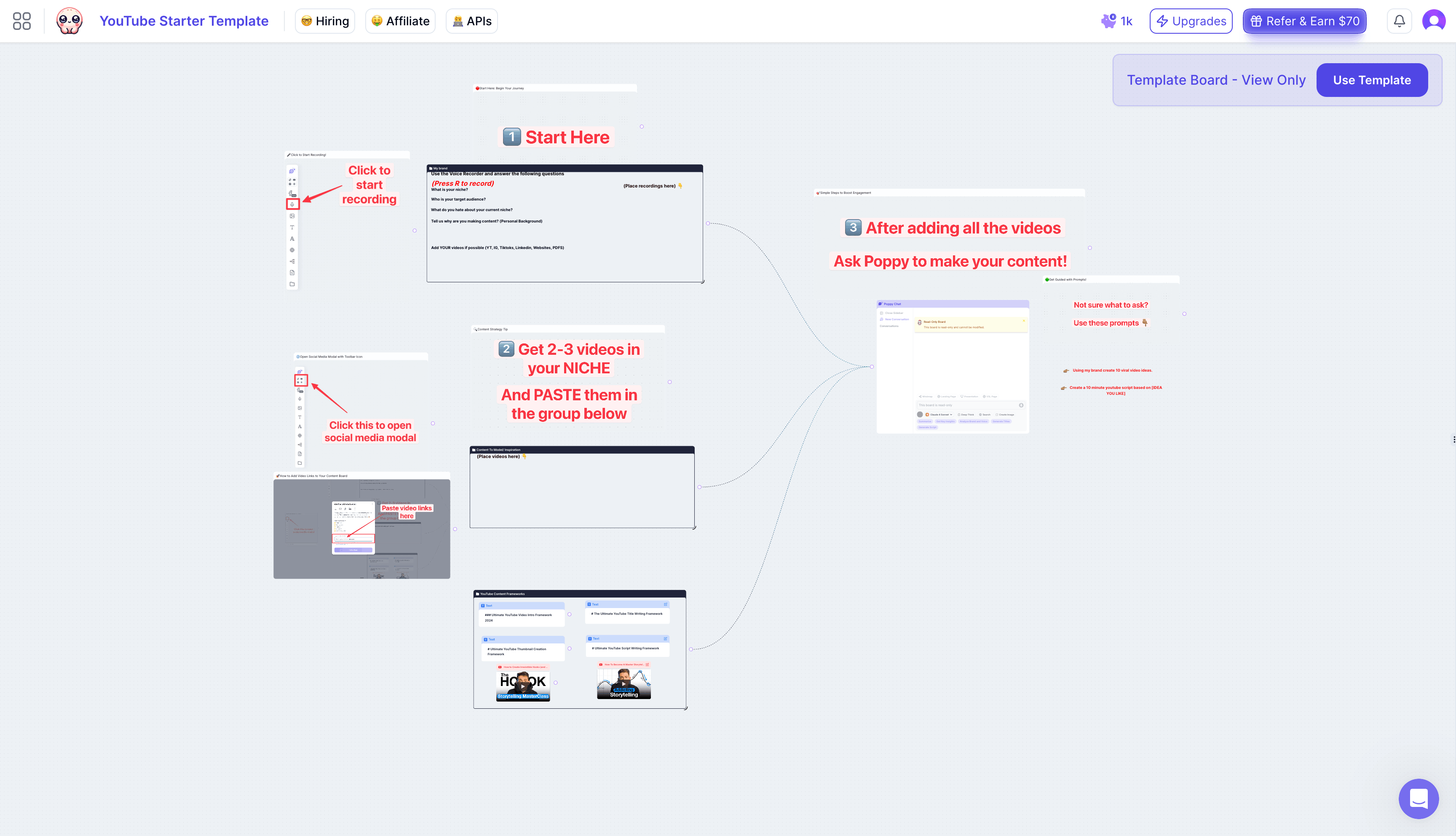
The tool was specifically designed to help creators maintain their authentic voice while scaling their content production.
With Poppy AI, you can instantly analyze competitor videos and identify content trends that are working in your niche.
The tool helps you generate video scripts that perfectly match your speaking style, ensuring your content remains authentic even as you scale.
You can create compelling hooks and detailed video outlines in minutes, not hours.
Pros:
- Saves time by summarizing YouTube videos
- Writes in your exact writing style
- Analyzes entire YouTube videos instantly
- Perfect for content batching
- Helps identify unique angles
- Great for content research
Cons:
- Higher upfront investment
- Learning curve for new users
- No mobile app yet
- Can feel overwhelming initially
My Personal Experience With Poppy
As a YouTube creator myself, Poppy AI has changed how I approach YouTube.
The ability to analyze competitor videos instantly and generate scripts that actually sound like me has cut my content planning time in half.
While tools like ChatGPT can help with basic scripting, Poppy AI's visual workspace and video analysis features make it specifically valuable for serious YouTubers.
I was happy to have the chance to interview the co-founder, Naz.
Yes, the investment is kinda high, but considering it replaces multiple tools and saves countless hours, it's worth every penny for creators looking to scale their channel while maintaining quality.
Poppy AI Pricing:
- Standard Plan: $349/year (Most Popular)
- VIP Support Plan: $552/year (Includes live dedicated support)
- Lifetime Access: $997 (One-time payment, includes 1:1 coaching with founder)
2. 1of10
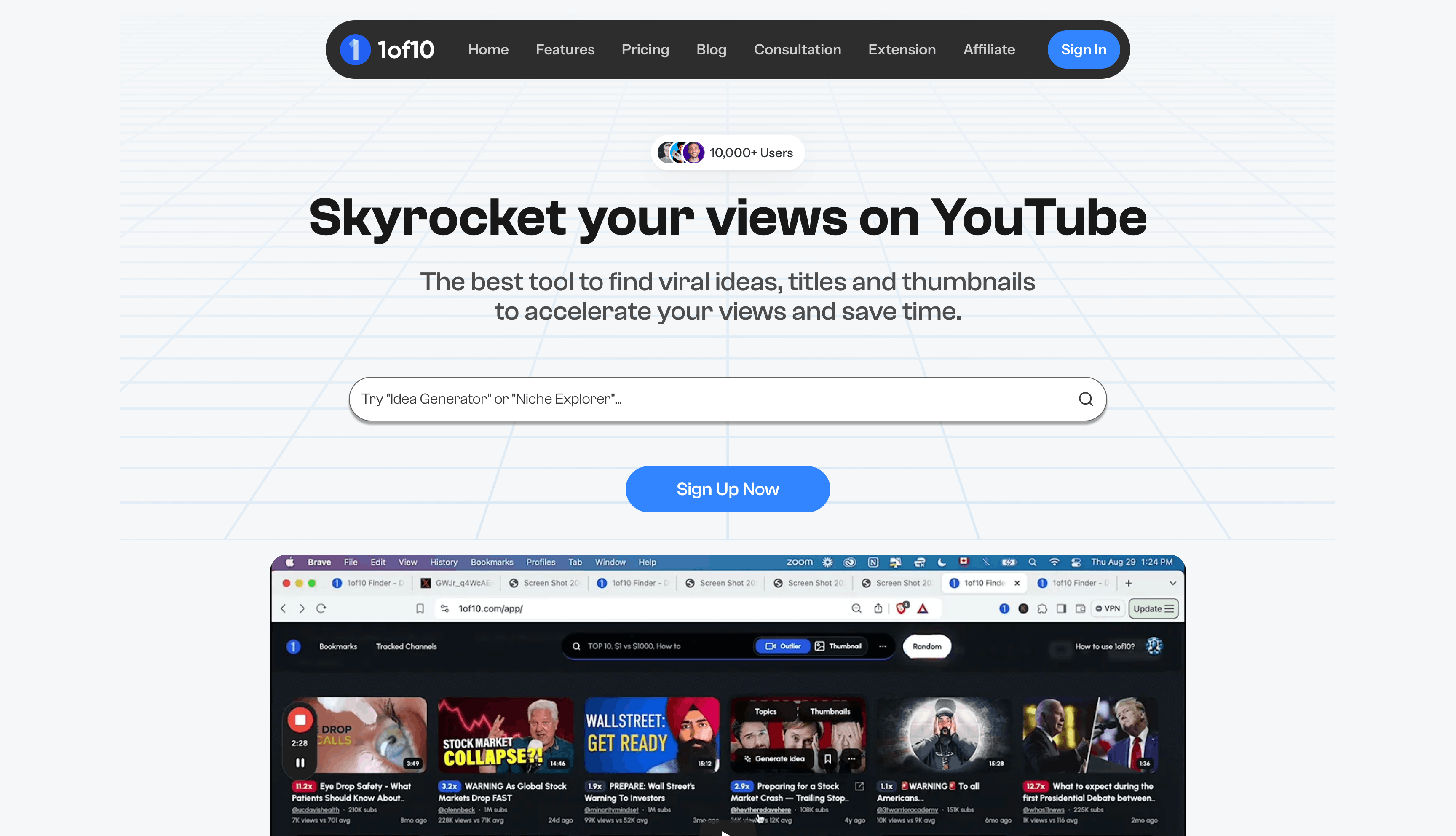
1of10 is an AI research tool that finds video ideas that are about to explode in popularity. It spotlights videos getting significantly more views than their channel size suggests, revealing what viewers actually want to watch.
Here's how it works. Type a keyword in your niche, and 1of10 finds viral outliers. Those are videos from channels with fewer subscribers that are crushing it on views. If they can do it, you can too.
The Chrome extension displays a competitor's top-performing videos instantly, eliminating the need to manually scroll through their entire channel.
The vibe is simple. Some tools feel complicated. 1of10 is straightforward: find trending topics, bookmark ideas, and iterate.
So, if you want a powerful AI tool to spot viral video topics, 1 of 10 is your best bet.
Pros
- You can easily bookmark video topics and also use them for thumbnail inspiration.
- If you get stuck at any point, their video tutorials are very easy to follow.
- Easily search your competitors' top videos using the Chrome extension.
- You can easily track outliers and monitor the performance.
Cons
- UI could be better (it works, but isn't pretty)
- Sometimes needs multiple searches to get the right filters
- One-on-one coaching costs extra
Personal Experience With 1 Of 10
I found a viral idea on 1of10 about AI blogging, made the video, and it blew up. That one tool paid for itself. Now I use it every week to find trends before they peak. It's not fancy, but it works.
Pricing: $49/month or $349/yearly
3. Subscribr AI
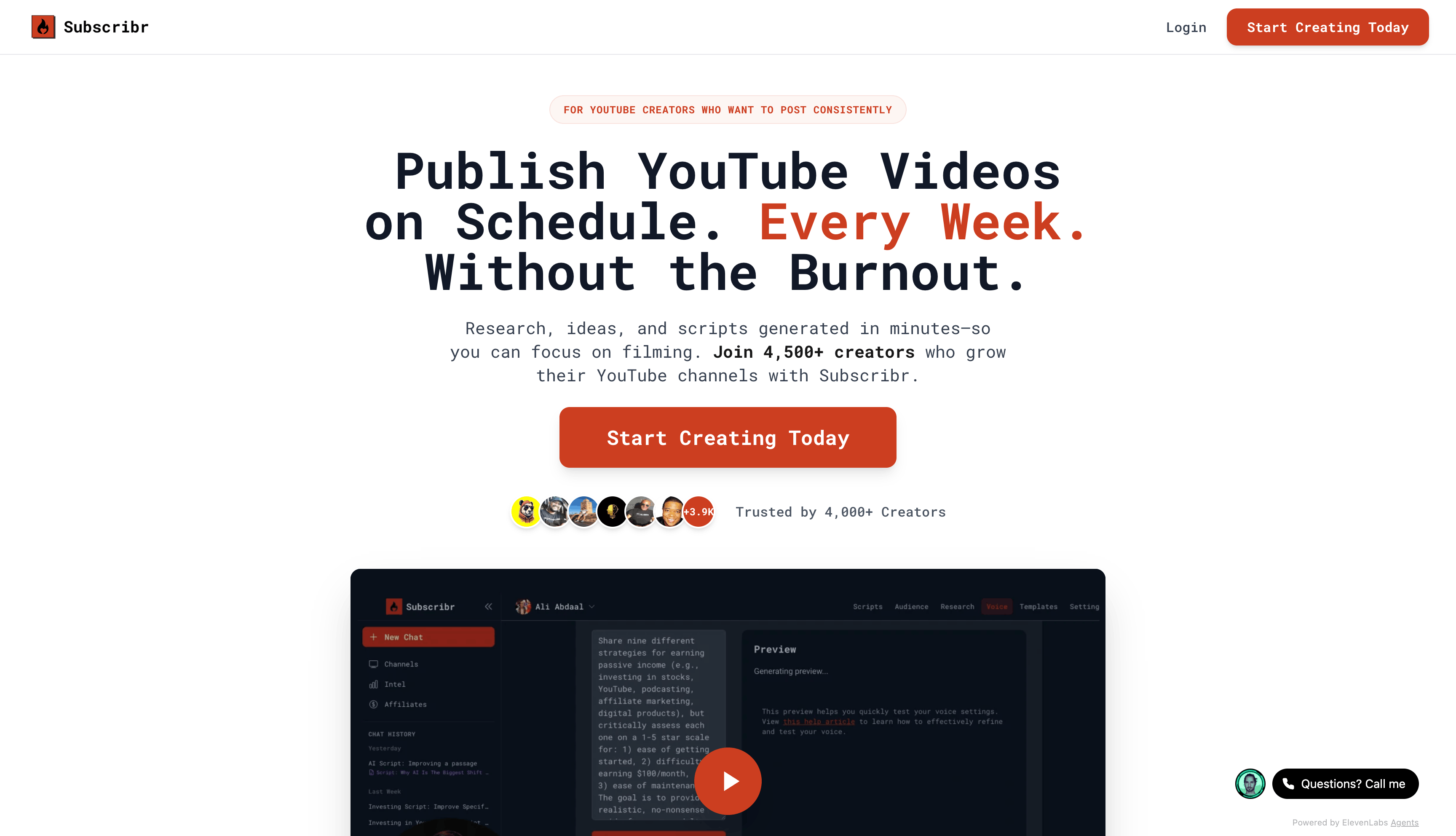
Subscribr is the scriptwriting AI that actually gets your voice.
It scans your entire YouTube channel, learns how you write and speak, then generates scripts that sound authentic to you. Not generic.
It uses AI agents to turn your video idea into a full script that matches your target audience's expectations. But the real magic is that it pulls from YOUR existing videos to understand your style.
That means Subscribr becomes smarter the more you use it. It also helps you find outlier video ideas and repurpose existing content into new angles worth testing.
Pros
- Create scripts for long videos or shorts
- Provides an amazing editing process directly within their editor
- AI learns your unique voice from your channel
- Offers AI agent chat for extra help
Cons
- The User Interface can be a bit slow
- Outlier feature needs improvement
Personal Experience With Subscribr
I tested Subscribr with two different niches. It's hands down one of the best AI script tools for YouTube. The voice-matching feature is legit. It's not just templates, it's actually personalized.
Pricing: $49/m or discounted annual plan pricing
4. Taja AI
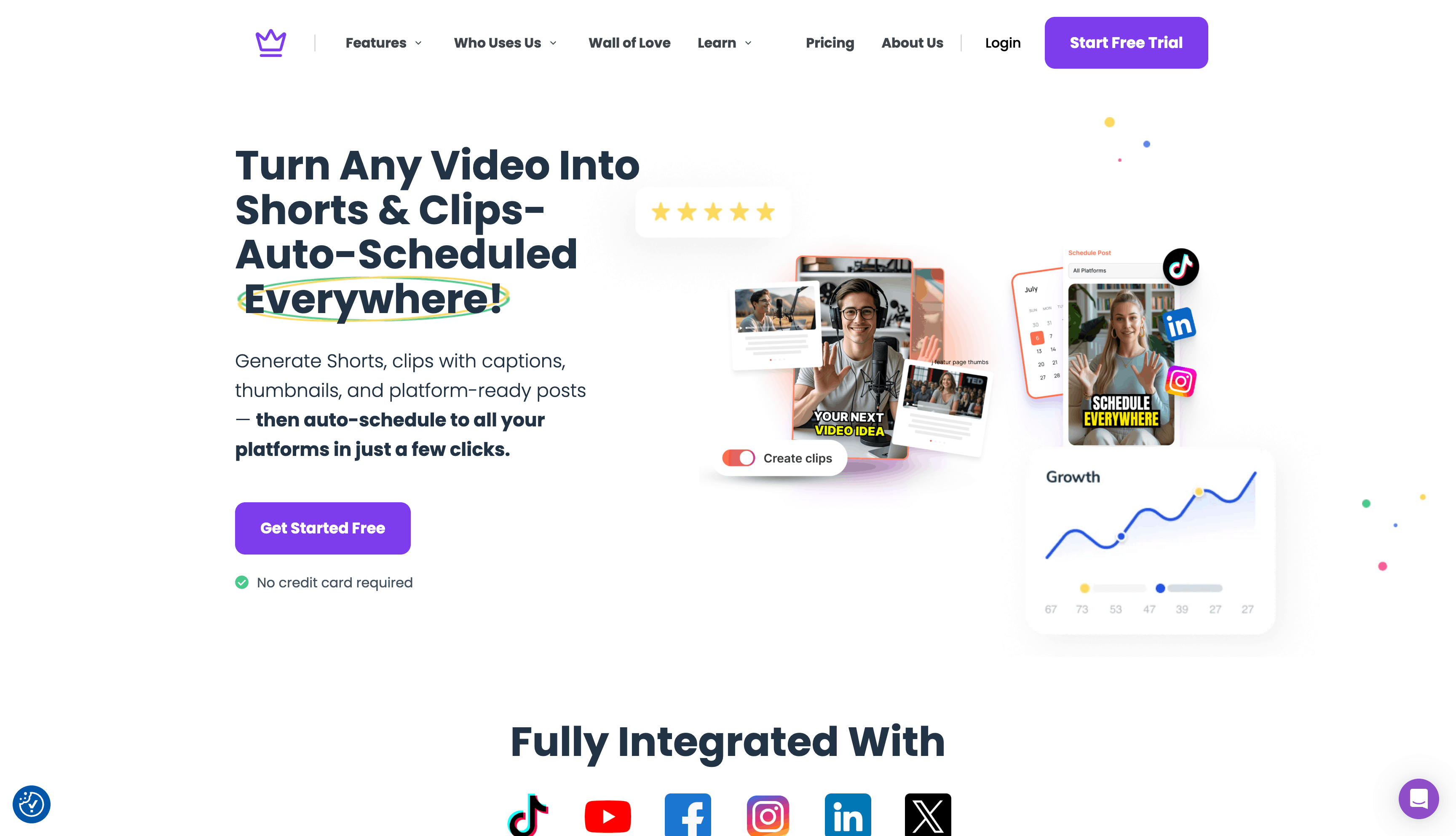
Taja AI handles the boring stuff. We're talking optimizing video titles, writing descriptions, adding chapters.
You know, the things that actually impact your CTR and viewer retention but take forever to do manually.
Drop your video in, and Taja uses machine learning to detect what's happening on-screen, then automatically generates optimized titles, descriptions, and chapter breaks.
You get a "virality score" for your title ideas, so you're not guessing if it'll actually get clicks. Everything integrates directly into your upload, so you hit publish with better packaging.
Pros
- Get instant transcripts for videos, which you can use to repurpose on other platforms.
- It makes YouTube video SEO simple
- Save hours by creating automatic chapters.
- You can select a target keyword and tone of voice so it doesn't sound like an AI.
Cons
- The title suggestions aren't perfect, but the virality score is great.
- Even when you change the tone, it can still create repetitive, boring sentences.
Personal Experience With Taja AI
From what I've seen, Taja AI really helps you save time.
It generates chapters on its own, which has cut down so much work for me. It's quick to respond and easy to navigate, which makes it fun to use.
Plus, I've noticed that my content has improved since I began using this platform.
Pricing: Pricing starts at $29.99 for 4 optimization credits
5. Pikzels
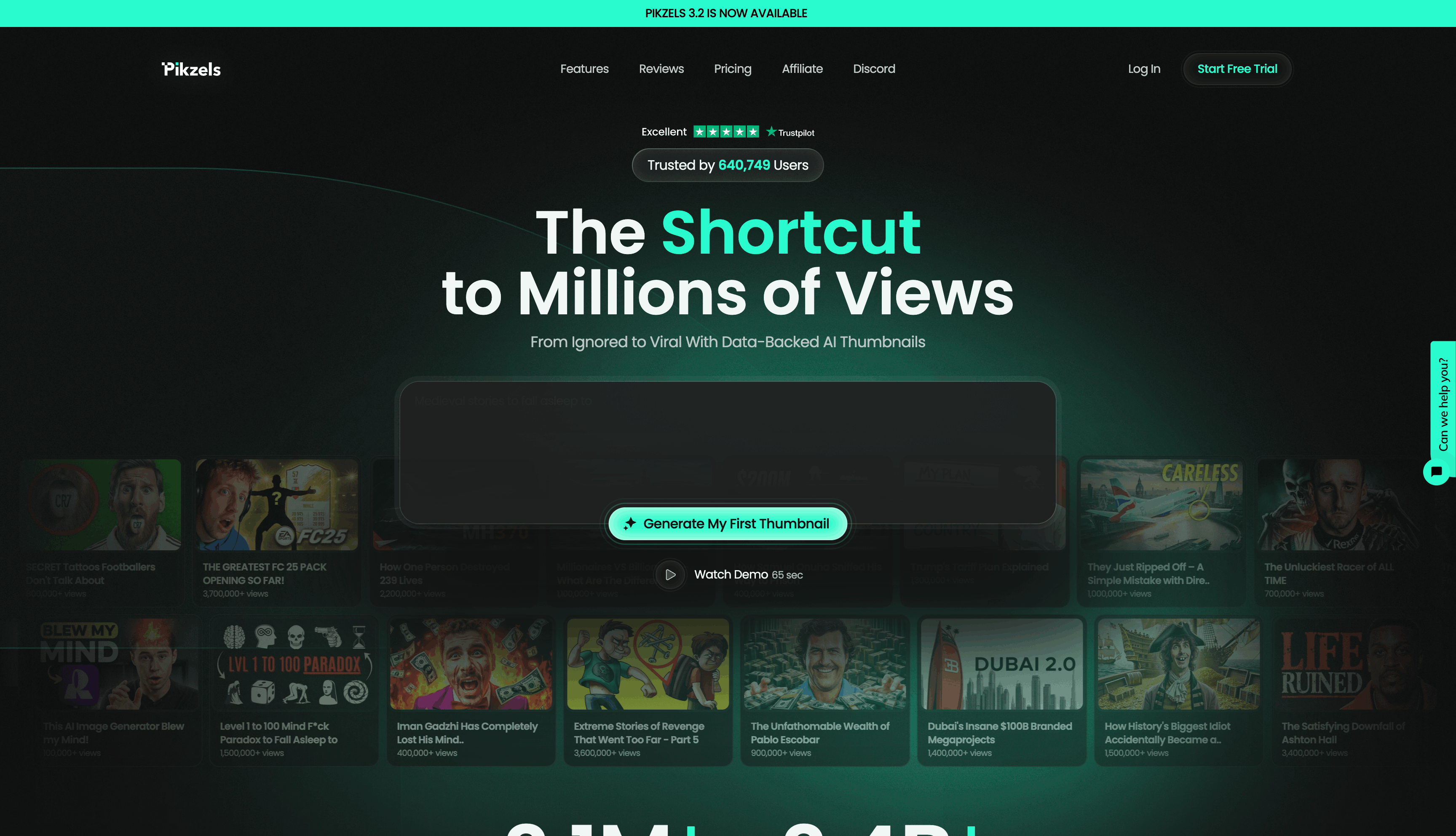
Pikzels is a game-changer for YouTube creators who want to stop guessing about thumbnails and titles.
It's basically an AI tool built specifically to make thumbnails that actually get clicks, not just ones that look cool.
Here's what makes Pikzels different from generic AI image generators like Midjourney or Canva.
It's designed around YouTube performance. You can type a prompt, and it creates thumbnails ready to test. You can also paste a YouTube link and Pikzels recreates the thumbnail format so you can iterate on what's already working in your niche.
The coolest feature is the Pikzels Score.
You upload your thumbnail and title, and it gives you data-backed feedback across five things: Virality, Clarity, Idea, Curiosity, and Emotion. So you actually know what's holding your thumbnail back, not just guesses.
Pros:
- Creates thumbnails in seconds using simple text prompts
- Scores your packaging with real data, not opinions
- Face swap keeps you consistent without photoshoots
- You can recreate and iterate on thumbnails that already work
Cons:
- Requires a credit-based system (can get pricey if you batch create a lot)
- Takes some learning curve to get the best prompts
- Face swap quality depends on clear photos of your face
My Personal Experience With Pikzels:
I started using Pikzels last month and honestly, it's saved me hours. Before, I'd spend time in Canva or ask a designer to make thumbnails.
Now I can generate multiple versions in minutes, test them, and see which actually gets clicks. The Pikzels Score helped me realize my thumbnails were way too busy, and after using the one-click fix, my CTR improved.
The pricing is reasonable if you batch create, which I now do weekly.
Pikzels Pricing:
- Essential: $14/month (billed annually) - 240 thumbnails/year
- Premium: $28/month (billed annually) - 1,800 thumbnails/year
- Ultimate: $56/month (billed annually) - 5,400 thumbnails/year
6. Canva
Canva is another powerful AI graphic design suite that can make your videos and thumbnails look great.
Do you need thumbnails? Done. Banners? Done. Animated graphics, intros, outros? It's all here. And now they've added AI features that actually save time, not just look cool.
The AI text generator creates copy, the AI image generator handles when you're stuck, and their AI avatar feature is secretly powerful. You can turn written content into professional videos without recording yourself.
Want a faceless YouTube channel? Canva makes that possible. You get hundreds of templates designed specifically for YouTube, plus tools to remove backgrounds, edit videos, and upscale images.
So, if you want to generate human-like avatars with a built-in AI voice generator, use Canva for YouTube.
Pros
- Easily remove background from videos or images to create unique content
- You can easily create a faceless YouTube channel using their AI avatars
- Create professional thumbnails without design skills
- Image cropping and resizing
Cons
- AI image generator sometimes messes up (normal for any AI)
- Video editing is basic, not Final Cut Pro level
- Although they have different templates, it can feel super overwhelming
Personal Experience With Canva
Since launching my channel, Canva's been my go-to. I use it for thumbnails, banners, animated graphics, intros, and outros.
With the template library and quick customization, I can match my brand style and release professional-looking content fast. It definitely attracts more viewers.
7. Thumbmagic
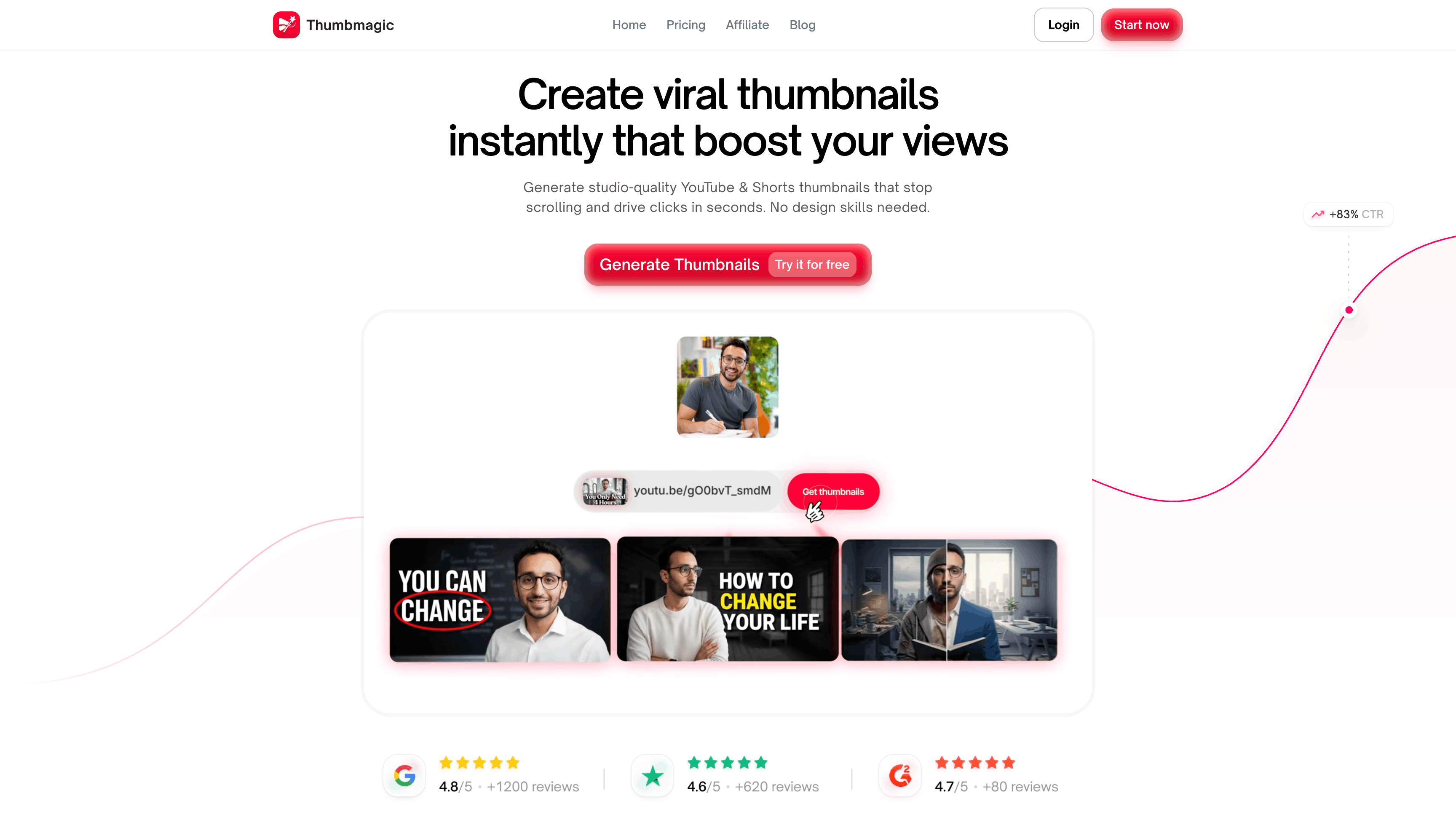
Thumbmagic is an AI thumbnail generator that instantly creates high-converting YouTube and Shorts thumbnails.
It generates studio-quality thumbnails that stop the scroll and drive clicks in seconds, without any design skills required. The AI analyzes high-performing thumbnails in your niche and creates layouts optimized for maximum CTR.
With Thumbmagic, you paste a YouTube URL, upload your video, or even input a script, and the AI extracts key moments and identifies visual hooks.
From there, you choose from creator-proven templates, customize colors, text, backgrounds, and expressions, and export in 4K optimized for YouTube, Shorts, TikTok, and Reels.
Pros:
- Generates multiple thumbnail variations instantly for A/B testing
- Smart face and style detection automatically captures your best expressions
- Creator-proven templates designed to maximize CTR and viewer curiosity
- Saves hours compared to manual design in Photoshop or Canva
- No design skills required
Cons:
- Limited customization compared to full design software like Adobe Creative Suite
- Results depend on having clear, expressive facial expressions in your videos
- May need manual tweaks for very niche or unique branding styles
- Can sometimes miss the exact vibe you're going for on the first try
My Personal Experience Using Thumbmagic
I've been using Thumbmagic for thumbnails across my YouTube videos, and it honestly saves me so much time compared to manually designing in Canva or hiring a designer.
The best part is that I can generate multiple versions in seconds, which lets me A/B test different thumbnail styles to see what actually gets clicks.
The AI does a great job of picking up on my facial expressions and adapting them to different template styles, keeping my thumbnails authentic while still eye-catching.
8. Exploding Topics
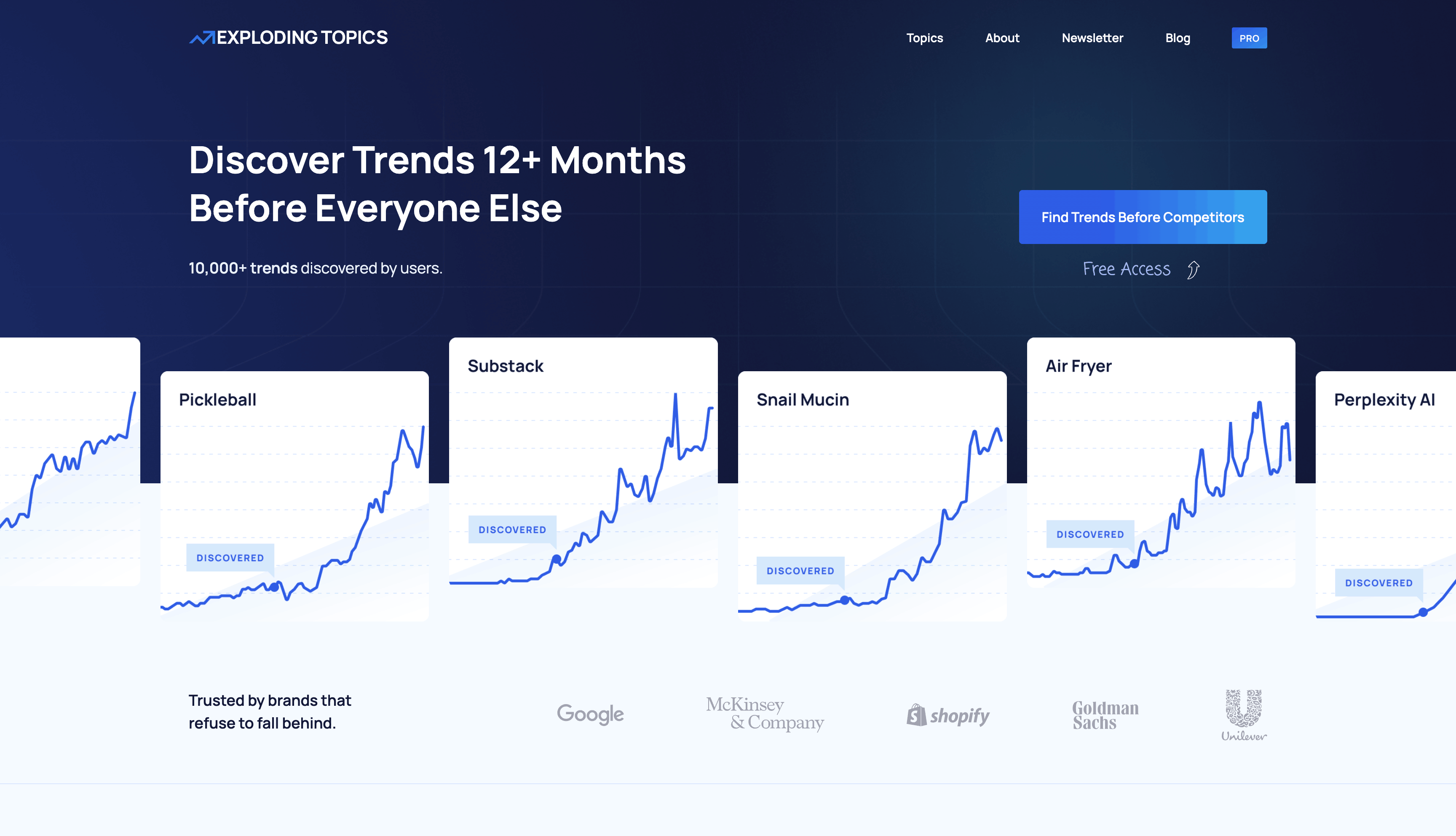
Staying up to date with the newest trends is super important in the quickly changing YouTube scene.
Luckily, an AI tool called Exploding Topics makes this easier. It's a smart trend-spotting platform that predicts what will be popular by analyzing what people search for, talk about, and share online.
By using Exploding Topics, you can be one step ahead and make videos that really click with viewers.
This AI tool researches new keywords and can also give you an estimate of their monthly sales.
This means you can determine your commission just by observing how many units they sell per month.
Pros
- Exploding Topics is great at spotting trends early, giving you an advantage when making content.
- Gives detailed information on trends, helping you think of content ideas for your target audience
- It helps creators get ahead by noticing trends before they're popular.
- It provides thorough analysis so you can really get how trends work and use them to your benefit.
Cons
- How well this info works depends on how fast the creator can jump on these hot trends to get the most out of them.
- If creators wait too long to use these trends, they might miss the chance to really capitalize on Exploding Topics' predictions.
- So, acting quickly and planning well is important to take advantage of what Exploding Topics predicts.
Personal Experience With Exploding Topics
Throughout my time making content, I've found Exploding Topics to be super helpful for finding new and up-and-coming products in my area of focus.
Having this knowledge has enabled me to create spot-on, timely content, helping my channel stand out and attract more viewers.
Using Exploring Topics is like having a magic crystal ball that lets me take a sneak peek at what will be popular soon.
Pricing: $97 monthly or pay annually. (I pay monthly, but you need to ask before you get charged)
9. ViewStats
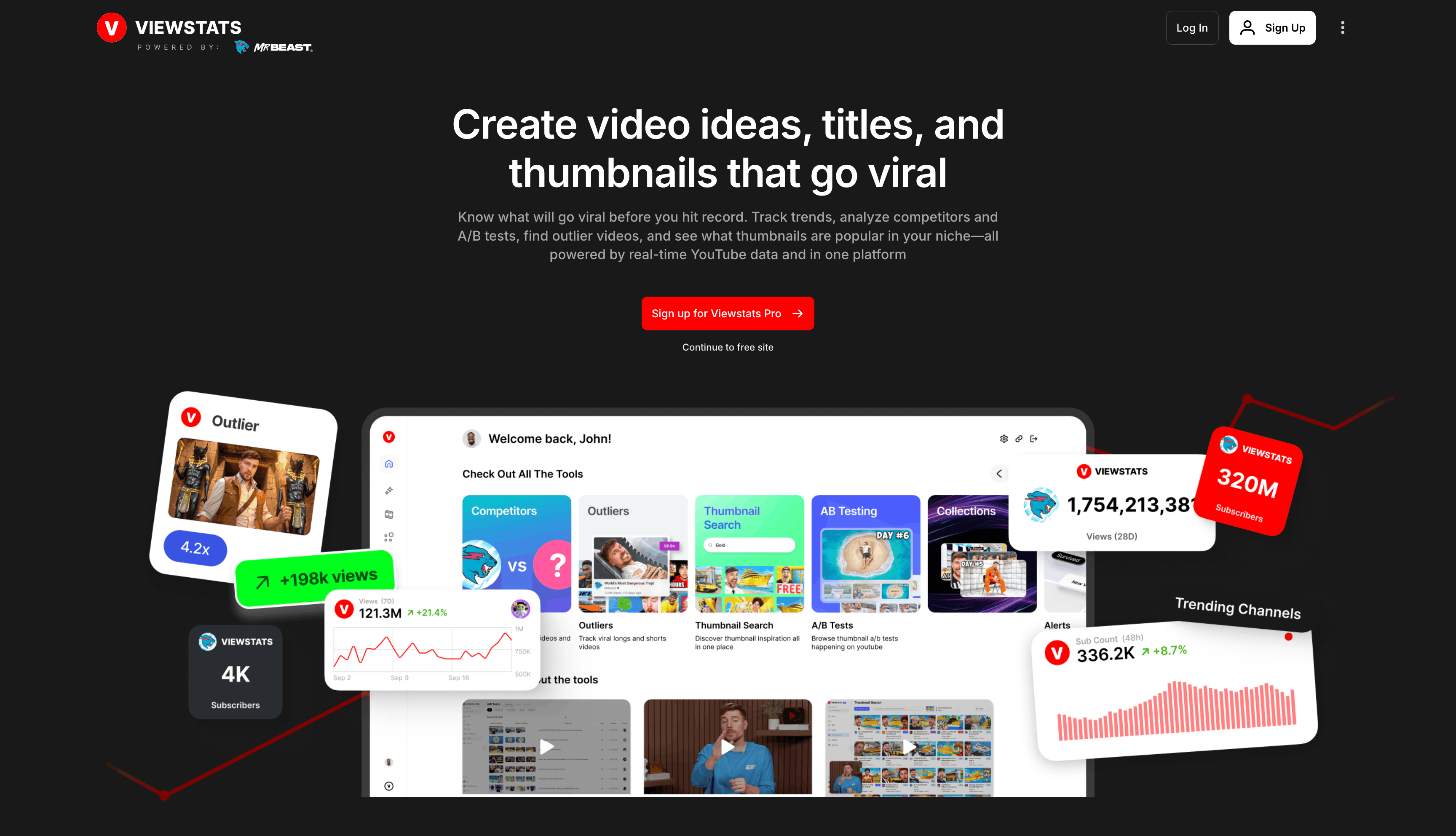
ViewStats is built by MrBeast's team, giving it credibility backed by one of YouTube's largest channels and millions of data points.
This tool helps you know what will go viral before you even hit record. It's basically your YouTube research assistant on steroids.
What makes ViewStats powerful is the data. They process 2,500x more data points every day than other tools, so their insights are actually backed by real YouTube performance.
Here's what you can do with it: Find outlier videos (content that's outperforming where it should be), analyze your competitors' channels, see what thumbnail styles are getting clicks in your niche, track trends as they happen, and save time by A/B testing your packaging before you even upload.
The Thumbnail Search feature is actually insane. You can see what thumbnails are working in your specific niche in minutes instead of spending hours scrolling YouTube manually.
Pros:
- Access to the largest YouTube dataset in the industry
- Find viral outlier videos that fit your niche
- Analyze competitor channels in real time
- Thumbnail search saves hours of research
Cons:
- Subscription is required (no free tier for the Pro features)
- Learning curve to use all the tools effectively
- Business plan is expensive for solo creators
- Data is only as good as how fast you can act on it
My Personal Experience With ViewStats:
I signed up for ViewStats after hearing about it from other creators, and the Outlier Videos feature changed how I choose topics. Instead of guessing, I can see exactly what content is getting more views than expected in my niche. I've used it to pitch better video ideas to myself, and my upload strategy is way smarter now. It's one of those tools that pays for itself if you act on what you learn.
ViewStats Pricing:
- Pro: $49.99/month - Full YouTube analytics suite, competitor tracking, outlier videos, alerts, collections, A/B testing
- Business: Starting at $249/month - Unlimited credits, advanced analytics, tailored solutions, API access
10. Relay App
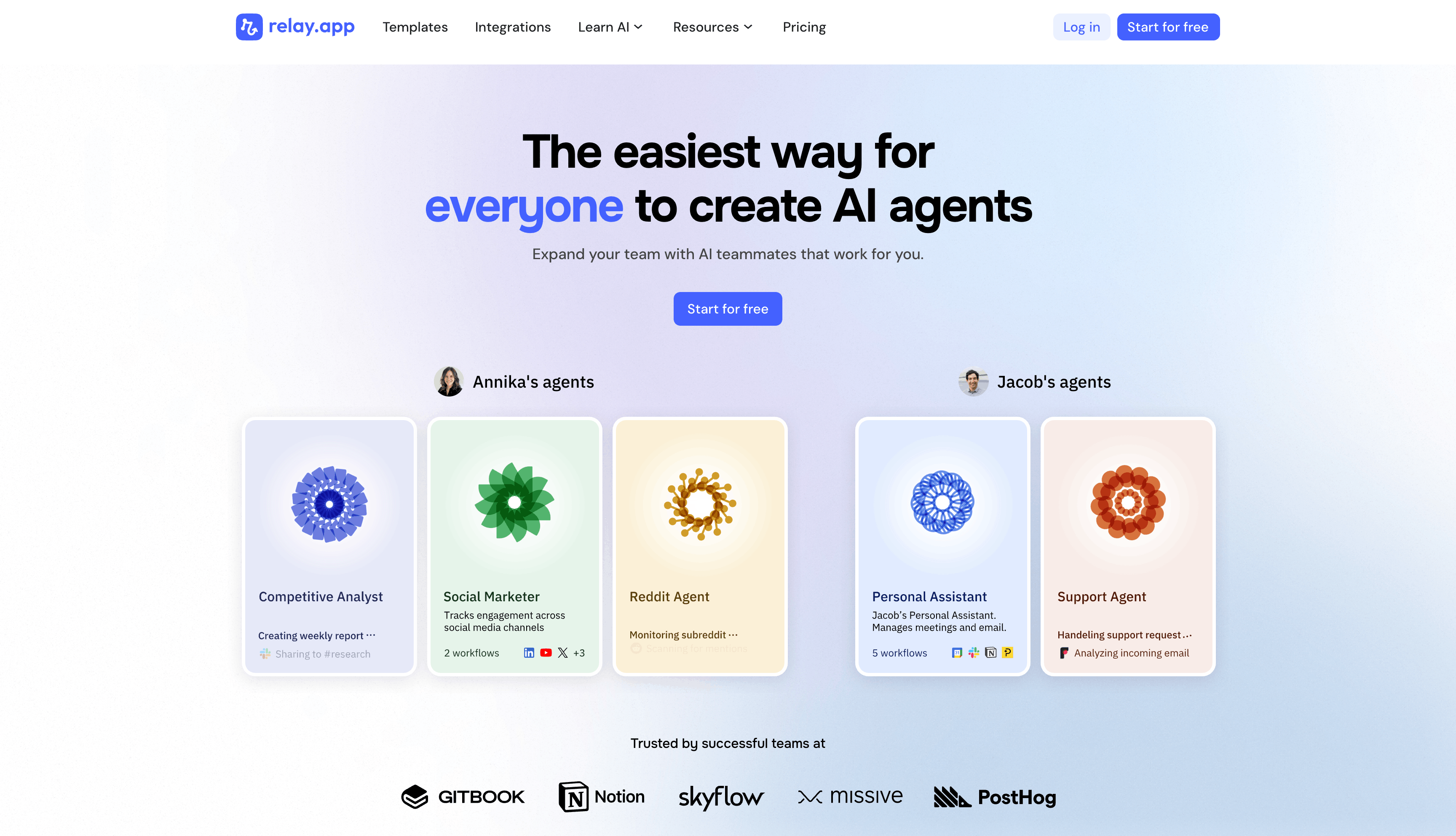
Relay App is an AI automation platform that lets you build custom AI agents to automate repetitive tasks across all your favorite tools.
Unlike traditional automation platforms like Zapier or Make, Relay App uses AI agents that can make intelligent decisions and adapt to your workflows without complex coding.
For YouTube creators, Relay App has some awesome use cases. You can build agents that automatically promote your new YouTube videos across LinkedIn, X, and BlueSky with AI-generated posts.
They offer templates for YouTube Comment Opportunity Finder, Video Analyzer tools (for your channel, competitors, and influencers), which monitor, analyze, and suggest engagement and strategy improvements.
You can also automate tweet creation when new videos go live, create video summaries automatically, or use the platform to build custom agents that fit your unique workflow.
The best part is the "human-in-the-loop" model, which means you can review and approve actions before they happen, giving you full control while saving tons of time.
Pros:
- Pre-built YouTube-specific templates ready to use out of the box
- Drag-and-drop workflow builder—no coding required
- Excellent UI that's intuitive and easier to use than Zapier or Make
- Human-in-the-loop feature lets you approve actions before they're executed
- AI agents can make intelligent decisions, not just trigger simple actions
- Integrates with 500+ apps, including YouTube, Gmail, LinkedIn, Slack, Google Sheets, and more
Cons:
- Learning curve for building complex workflows (though less than competitors)
- Pricing can get expensive as you scale beyond the free tier
- Some advanced features require understanding automation logic
- Limited mobile app experience compared to desktop
- Younger product compared to Zapier, so fewer integrations in some niches
My Personal Experience With Relay.App:
I've used Relay.App to automate YouTube video promotion, and it's a game-changer.
The YouTube Video Promoter template lets me publish a single video and automatically generate customized posts across LinkedIn and X within minutes. The human-in-the-loop feature gives me peace of mind because I can review the posts before they go live.
It definitely beats manually creating and scheduling those promotional posts across platforms. The biggest win is how much time it saves on repurposing—one action triggers multiple outputs across different platforms.
Pricing: Relay.App offers a free tier plus paid plans starting around $30-100+/month depending on usage.
11. Claude AI
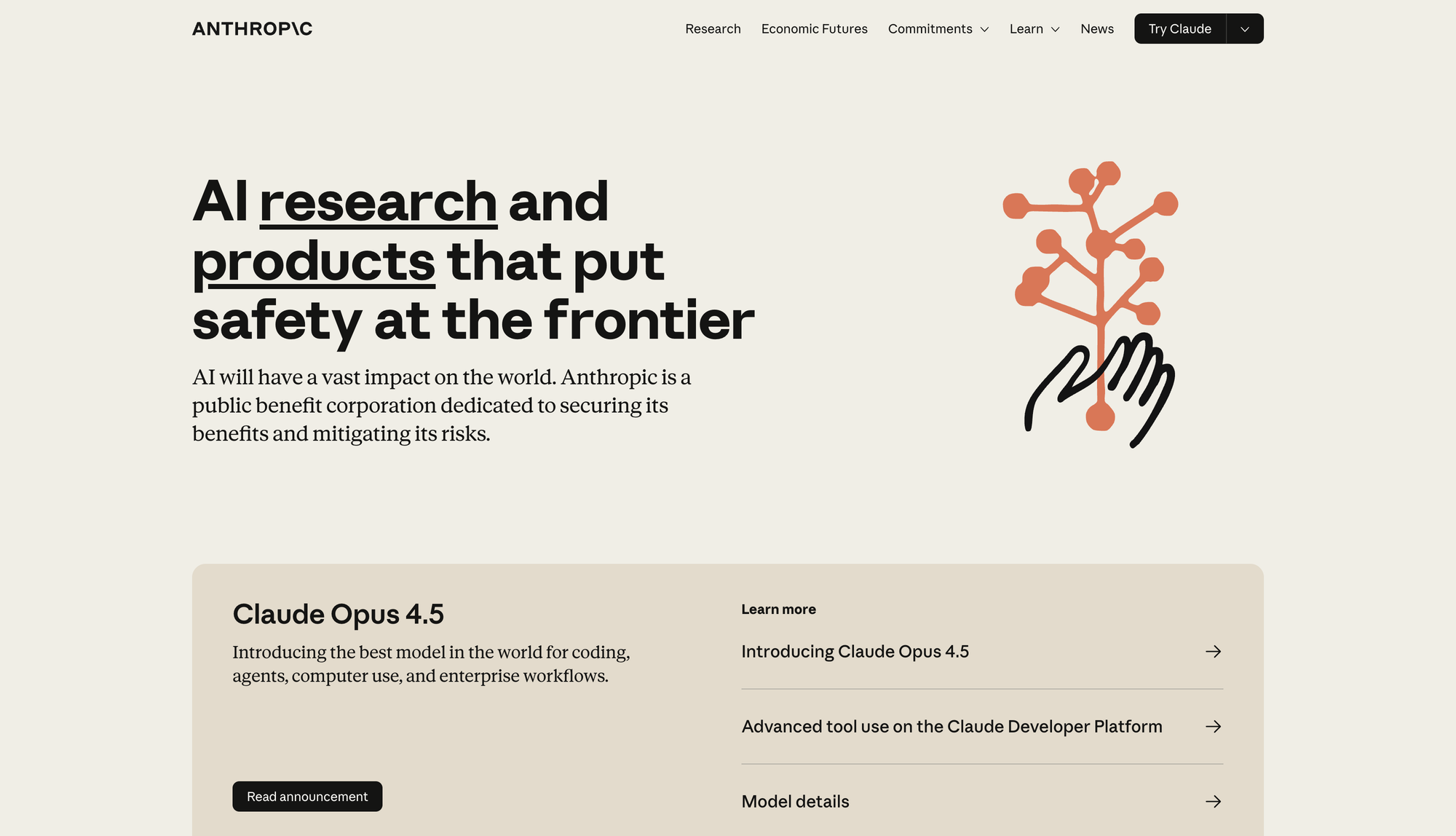
Claude AI is an AI assistant made by Anthropic, and it's honestly become my go-to thinking partner for content strategy, scripting, and research.
Here's why Claude is different from other AI tools. It's built to break down problems with you, not just give you answers.
You can use Claude to write video scripts that sound like you, brainstorm content ideas, research topics deeply, analyze data, code, or even help you think through tough decisions about your channel.
What I love is that Claude actually understands context. If you share a transcript or your YouTube channel description, you can get specific feedback tailored to your brand.
You can use it for writing, learning complex topics, coding, or just thinking through big challenges.
There's also Claude Cowork. Cowork lets Claude work directly with your local files and tools on your computer.
So if you have documents, spreadsheets, or files, Claude can actually see them and help you work with them. It's like having a collaborator who can see exactly what you're working on.
Pros:
- Genuinely good at understanding complex problems
- Writes scripts and content in your voice if you give it examples
- Can analyze video transcripts and give strategic feedback
Cons:
- Requires subscription for the best usage of credits
- Can be slower than some competitors on simple queries
- Needs good prompts to get the best results
- No native integration with YouTube yet
12. Tella TV
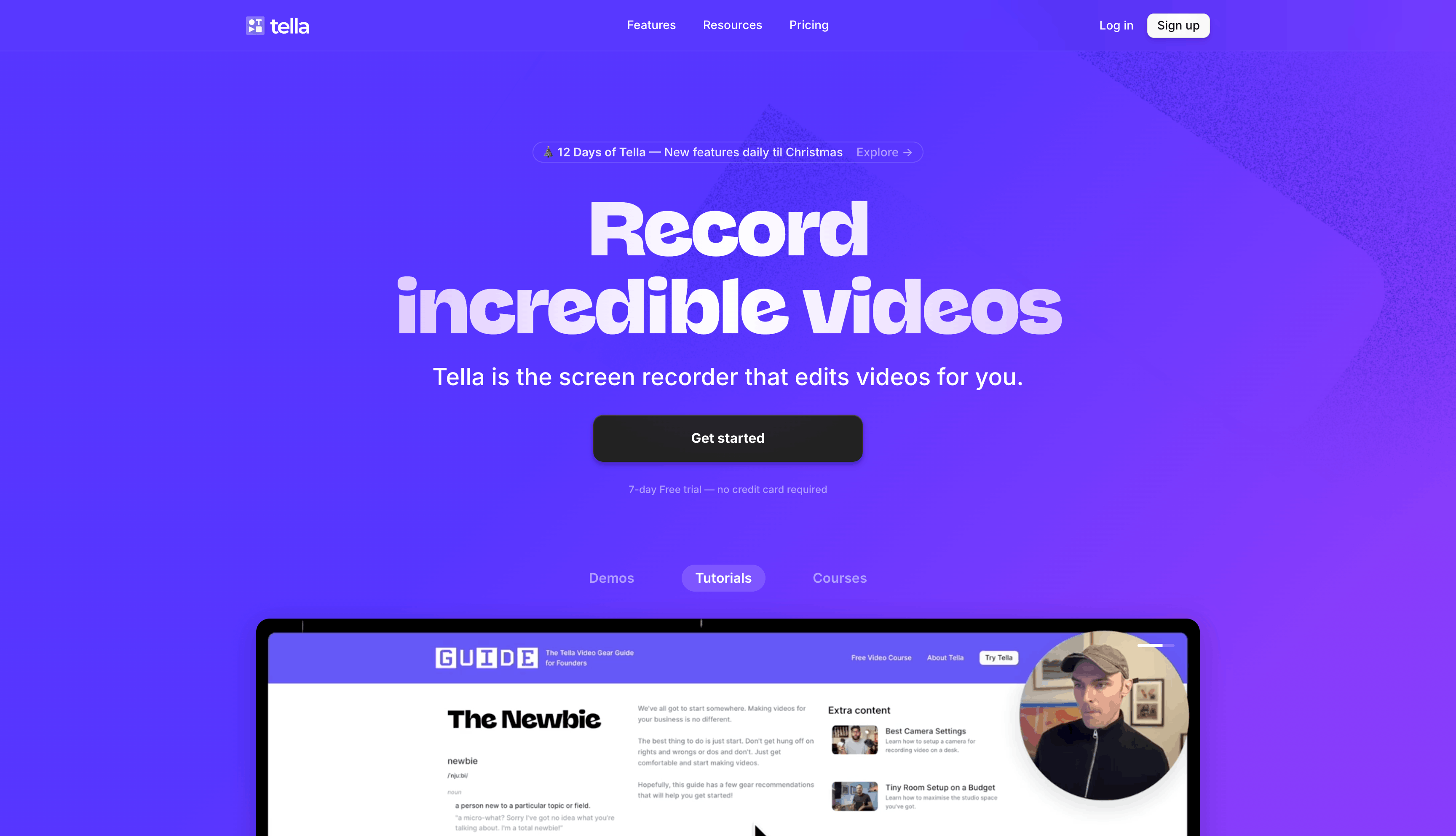
Tella TV is what happens when you take OBS (the free streaming software) but make it actually fun to use.
It's a screen recording tool built for YouTube creators who want cinematic videos without learning Adobe.
Record, then jump straight into editing. Trim clips, add backgrounds, apply effects. The zoom effect is particularly good at making YouTube content engaging.
Everything's designed to be fast, not to give you 500 options. You make a recording in minutes and have a polished video in more minutes. That's it.
Pros
- Tella.tv makes it super easy to start recording. Press the record button, and then you can jump into editing.
- The platform is really easy to use, making videos a breeze for creators.
- It's built to save you time and hassle while helping you make videos that look like a pro did them.
- Tella.tv is about making video creation easy, opening up the process to more people who want to make content.
Cons
- Tella.tv is nice for fast video changes, but it might not have enough features for expert users who need more detailed editing options.
- People who make advanced videos might think Tella.tv's tools are too simple for big and complicated projects.
- Someone who needs a lot of different editing tools might find that Tella.tv doesn't offer enough.
- They focus on being user-friendly, but that might not be enough for professional video editors who want to customize a lot.
Personal Experience with Tella.tv
I genuinely like Tella TV for my YouTube workflow. It's easy, the output looks great, and viewers always comment positively. I recommend it to other creators who think "video editing is too complicated."
Pricing: $15/month
13. Manus AI
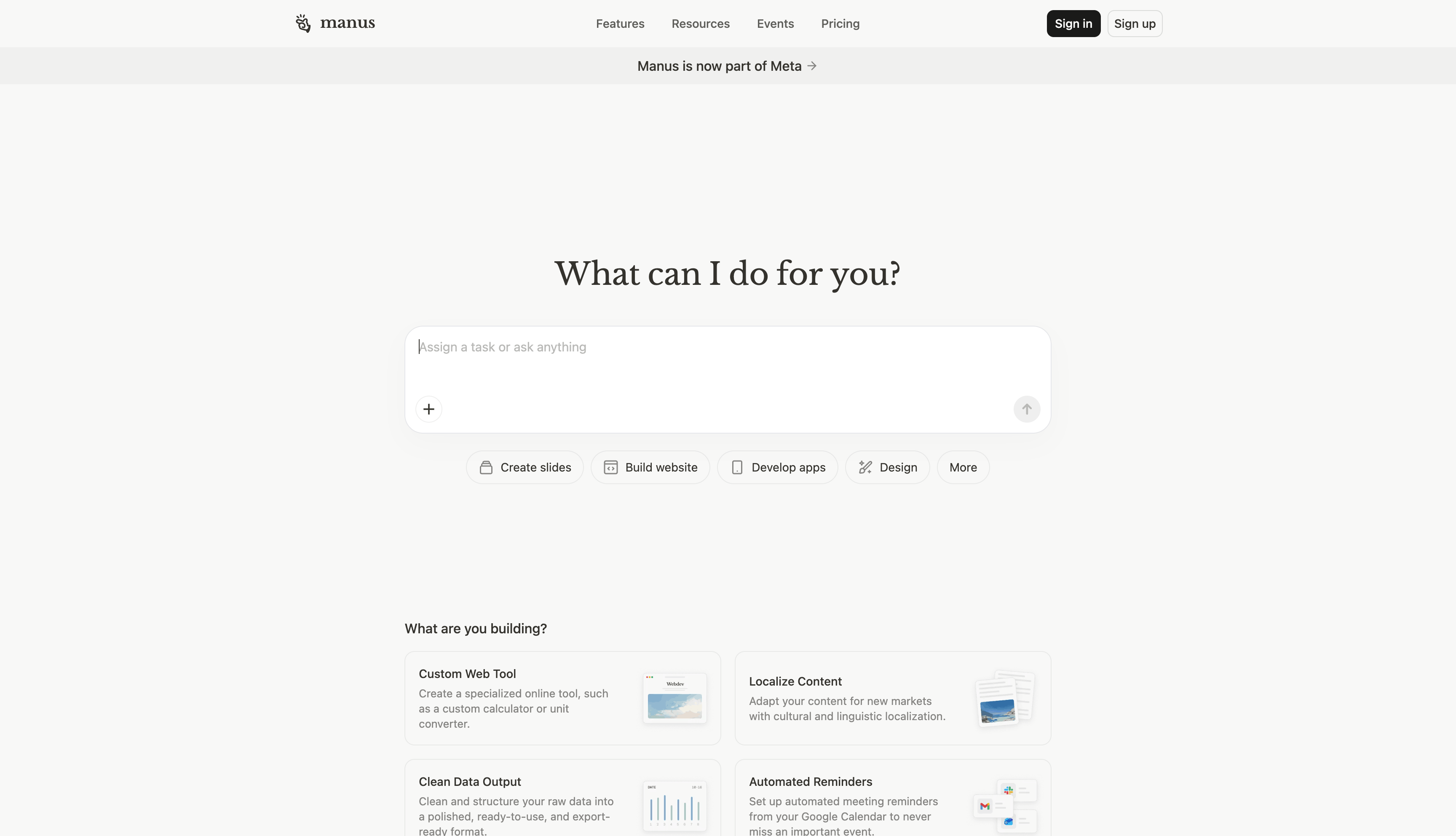
Manus AI is an agent that goes beyond just answering questions. It's designed to actually execute tasks, automate workflows, and extend what you can do.
Think of it as an AI assistant that doesn't just talk - it does.
You can use Manus to build web apps, create slideshows, develop full-stack applications, or automate repetitive workflows. It's powered by AI and designed for creators who want to actually build things without coding expertise.
For YouTube creators specifically, you could use Manus to automate video research, build a custom knowledge base from your content, create landing pages for your channel, or build web apps for your audience.
The tool lets you create projects and connect your tools so everything works together.
Manus has a credit-based system, and you get credits when you sign up. You can also earn credits by sharing Manus on X (Twitter) and getting people to sign up through your referral link.
Pros:
- Can build real web apps and apps without coding
- Create slideshows and design assets quickly
- Free plan available to try
- Great for creators who want to build side projects
Cons:
- Learning curve for building complex projects
- Free tier has limited credits
- Can feel overwhelming if you're not familiar with app building
My Personal Experience With Manus:
I started exploring Manus to see if I could automate some of my research workflows. The interface is clean, and once you understand the basics, you can build surprisingly powerful projects.
I used it to create a simple tool for organizing video ideas and it actually works. The free credits are enough to test if it fits your workflow, which is cool.
Manus Pricing:
- Free: 300 credits to start (earn more through referrals)
- Paid plans: Credit-based system, various tier options
- Earn: 500 credits per referral when someone signs up
14. Higgsfield
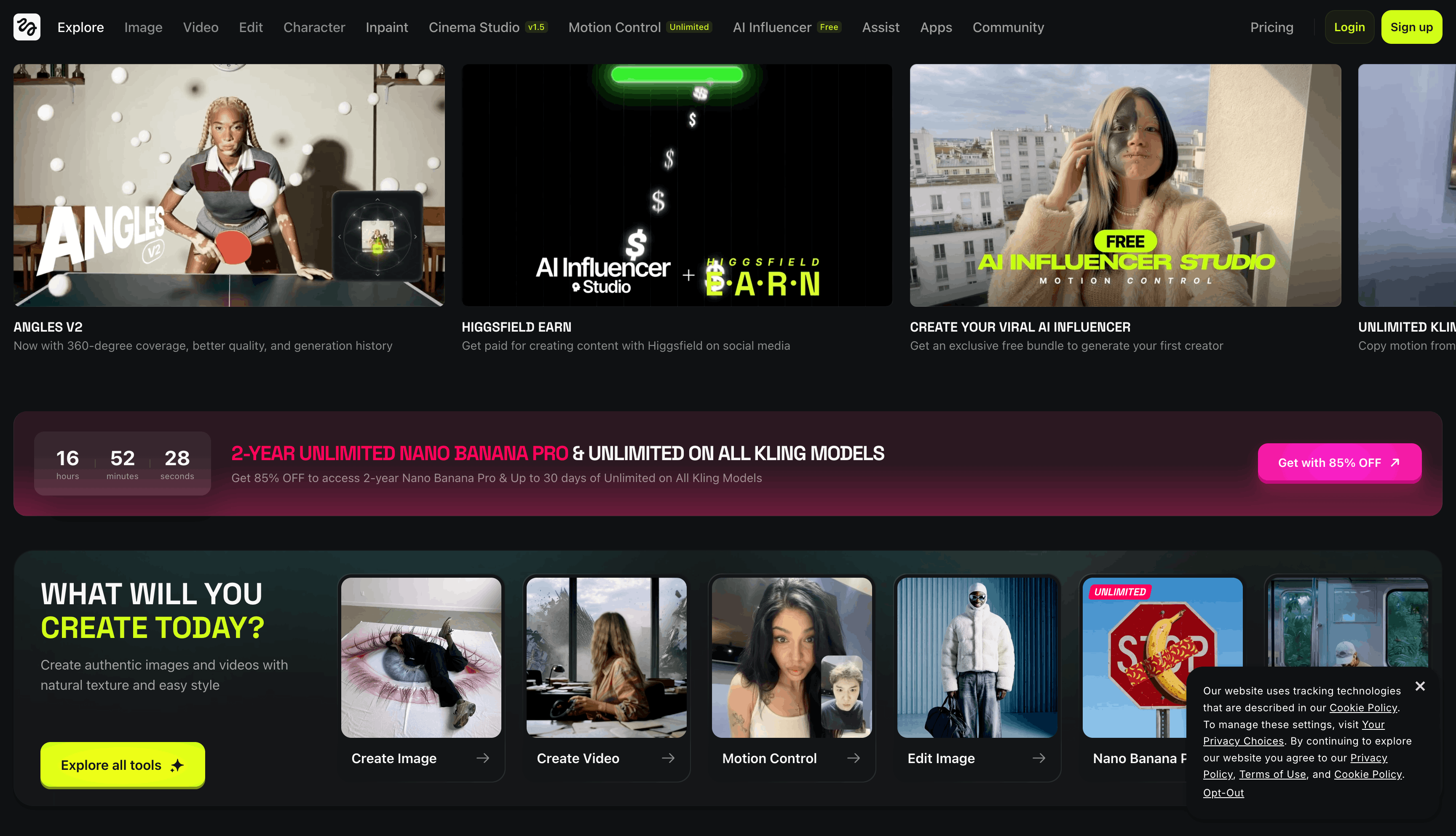
Higgsfield is the best AI video generator for creating AI videos without editing skills.
It's perfect for youtube video creation because you can generate multiple videos in minutes using their video generation tools like Kling 2.6, Seedream Pro, or MiniMax Hailuo 02.
The standout features are Lipsync Studio for talking clips, Motion Control for precise character movements, Face Swap for instant face swapping, and Soul ID for creating reusable characters.
You also get access to hundreds of effects and presets for viral content, plus camera controls that give you cinematic moves like crash zooms and crane shots.
For YouTube creators, this is killer if you want to create content without being on camera. The UGC tools help you generate authentic-looking videos fast, and you can even earn money through Higgsfield Earn.
Pros:
- Multiple AI video generator options with different styles
- Massive effect and preset library
- Face swap and character creation are intuitive
- Great for YouTube Shorts and TikTok video generation
Cons:
- Can feel overwhelming with so many tools
- Credit-based pricing gets expensive quickly
- Learning curve to find what works best
- Free credits run out fast
My Personal Experience With Higgsfield:
I tested Higgsfield for YouTube Shorts and was impressed. The Kling video generator creates solid cinematic videos, and Motion Control let me control exactly what my character was doing.
The effects library is massive. My only issue is the free credits disappear quick, so you'll need a paid plan to really use it.
Higgsfield Pricing:
- Free tier with starter credits
Final Thoughts
To sum up, AI tools offer significant opportunities for YouTubers who want to improve their content, gain more subscribers, and capture their viewers' attention.
These tools help you spot what's hot, generate ideas, edit your videos, and share them across different platforms, making everything you do more efficient.
The most important thing is to pick AI tools that fit exactly what you need and how you plan to succeed.
Pick one tool from this list that matches your biggest pain point—research, scriptwriting, thumbnail creation, or editing—and test it free this week. Most offer free trials, so you can see results before committing.
FAQs
Can I use AI in YouTube videos?
Yes, YouTube allows AI-assisted content, including scripting, editing, voiceovers, and thumbnail creation. You only need to disclose AI use when creating realistic synthetic media of real people that could mislead viewers.
Is AI content allowed on YouTube?
Yes, AI content is allowed on YouTube. The platform requires disclosure only when you create realistic AI-generated content that shows real people saying or doing things they didn't actually say or do.
Can ChatGPT analyse a YouTube video?
ChatGPT cannot watch YouTube videos directly, but it can analyze video transcripts if you paste them in. For direct video analysis, tools like Google Gemini or Summarize.tech can process YouTube content natively.
How Can You Use AI As A YouTuber?
YouTubers use AI for idea generation, scriptwriting, thumbnail creation, automated editing, voiceovers, and repurposing long videos into shorts and clips. Most creators use AI to handle repetitive tasks while maintaining a human creative direction.
How can AI tools save time for YouTubers?
AI tools automate the most time-consuming tasks in content creation. Script outlines take minutes instead of hours, editing tools automatically cut silence, and repurposing a single video into multiple formats can happen in under an hour instead of half a day.
